

For most U.S. professional LinkedIn profiles, Tuesday through Thursday mid-morning is the most reliable baseline, but Friday lunch and late-afternoon windows consistently outperform expectations in 2026 data from Sprinklr, Taplio, and tools like Echoza. Timing is a starting point, not a guarantee. The algorithm rewards early engagement on a post, so when you publish matters less than whether your audience actually sees and responds in the first hour.
TL;DR:
- Tue–Thu, 9–10 AM ET: Reliable mid-morning baseline for B2B audiences
- Friday, 12–1 PM ET: Taplio's 2.2% engagement peak in their 219,000-post study; often the single best hour of the week
- Wed–Thu, 4–5 PM ET: Underused late-afternoon window with lower post competition
Start testing these three windows this week before committing to any fixed schedule.
Table of Contents
- What are the best LinkedIn posting times for a U.S. audience?
- How to run an A/B test to find your actual best posting times
- Time zones and scheduling rules for U.S. profiles
- How post format changes the timing equation
- Tools and AI scheduling that actually help
- Two copy-paste weekly calendars to start with
- Your 30-day action plan
- Why I recommend testing over copying
- Echoza helps you turn scheduled posts into real conversations
- Key Takeaways
- Useful sources and further reading
What are the best LinkedIn posting times for a U.S. audience?
Three windows hold up across multiple 2026 datasets. Use this table as your starting calendar, not your final answer.

| Window | U.S. Time (ET) | Why it works |
|---|---|---|
| Tue–Thu mid-morning | 9:00–10:30 AM | Consistent B2B visibility; Sprout Social's 307,000-profile dataset supports midweek midday peaks |
| Friday lunch | 12:00–1:00 PM | Taplio's top single hour; lower early-week volatility, higher dwell time |
| Wed–Thu late afternoon | 4:00–5:00 PM | Buffer's 4.8M-post analysis flags Wednesday 4 PM and Friday 3–4 PM as rising performers |
| Early morning (any weekday) | 6:00–7:30 AM | PostPlanify's SMB data shows 5–8 AM UTC (6–7:30 AM ET) outperforms crowded mid-morning for engagement per post |
Pro Tip: The 9–10:30 AM ET window attracts a majority of daily posts (61%, per PostPlanify), which drives up competition and lowers per-post engagement. If your content can hold attention, the 6–7:30 AM or 4–5 PM slots often deliver better returns with a fraction of the competition.
A few practical notes before you copy these into your calendar:
- Weekends are not automatically dead. Lower post volume on Sunday mornings can let a well-crafted post stay visible longer, especially for personal or reflective content.
- Monday posts face early-week inbox chaos. Late-week slots, particularly Friday, work better for deeper or more personal pieces.
- These windows assume your primary audience is in the Eastern time zone. Adjust if your followers skew West Coast (see Section 4).
How to run an A/B test to find your actual best posting times
Industry benchmarks tell you where to start. Your own data tells you where to stay.
The six-week test plan:
- Set your hypothesis. Example: "Posts published at 9 AM ET on Tuesday will generate higher engagement rates than posts at 4 PM ET on Wednesday."
- Hold content variables constant. Use the same post format (text-only or single image) and similar word counts across test posts. Changing format and time simultaneously makes results unreadable.
- Pick two test windows per week. Rotate through the four baseline windows above over six weeks, two at a time.
- Track five metrics per post: impressions, engagement rate, early-hour engagement (first 60 minutes), click-through rate, and comments-to-impressions ratio.
- Run at least 4 posts per window before drawing conclusions. One spike proves nothing.
- Declare a winner at week six using engagement rate, not raw impressions. A post with 800 impressions and 40 comments beats one with 3,000 impressions and 12 likes.
| Week | Windows tested | Format held constant |
|---|---|---|
| 1–2 | Tue 9 AM vs. Wed 4 PM | Text post, under 200 words |
| 3–4 | Fri 12 PM vs. Thu 6:30 AM | Text post, under 200 words |
| 5–6 | Best from weeks 1–4 vs. one new slot | Text post, under 200 words |
Pro Tip: Watch the first-hour engagement rate, not the 24-hour total. LinkedIn's algorithm decides distribution within roughly 60–90 minutes of publishing. A post that gets 10 comments in the first hour will outperform one that gets 30 comments spread over two days.
Time zones and scheduling rules for U.S. profiles
If your audience spans the country, a single posting time will always miss someone. The practical fix is to anchor your schedule to your largest audience segment's time zone, then stagger a second post for the other coast when reach matters.
| Baseline (ET) | CT | MT | PT |
|---|---|---|---|
| 9:00 AM | 8:00 AM | 7:00 AM | 6:00 AM |
| 12:00 PM | 11:00 AM | 10:00 AM | 9:00 AM |
| 4:00 PM | 3:00 PM | 2:00 PM | 1:00 PM |
| 6:30 AM | 5:30 AM | 4:30 AM | 3:30 AM |
A few rules that hold for most U.S. profiles:
- Use your audience's primary time zone, not UTC. Scheduling tools that default to UTC will silently shift your posts by 4–5 hours.
- For coast-to-coast reach, the Friday 12 PM ET slot lands at 9 AM PT, which is one of the few windows that works reasonably well for both coasts simultaneously.
- Avoid staggered duplicate posts on the same topic within 24 hours. LinkedIn's algorithm may suppress the second post as repetitive content.
- Mobile vs. desktop: LinkedIn mobile usage peaks during commute hours (7–9 AM and 5–7 PM local time). Short posts and native video perform better in those windows. Long-form articles and carousels get more desktop engagement, which skews toward mid-morning office hours.
How post format changes the timing equation
Format and intent alter which window actually works. Matching them is where most people leave engagement on the table.
- Short text posts (under 200 words): Any of the four baseline windows. These load fast on mobile and benefit from commute-hour traffic (6–7:30 AM or 4–5 PM ET).
- Long-form articles: Tuesday or Wednesday morning, 8–10 AM ET. Readers need desktop dwell time; Sprout Social's midweek midday data supports this.
- Video: Friday lunch or late afternoon. Sprinklr notes that video benefits from higher-dwell windows when users are less task-focused.
- Carousels: Thursday morning, 9–10 AM ET. Swipe-through content needs attention, not a rushed scroll.
- Link posts (driving off-platform clicks): Avoid peak competition windows. Try Thursday 4 PM or Friday 12 PM when the feed is less crowded and click intent is higher.
One often-missed tactic: dropping a thoughtful comment on your own post within the first 30 minutes of publishing signals activity to the algorithm and can extend initial distribution. The same logic applies to commenting on high-reach posts in your niche right before you publish your own.
Tools and AI scheduling that actually help
A good scheduling tool does more than queue posts. Look for these features before committing to any platform:
- Timezone-aware scheduling (posts in local time per audience segment, not UTC)
- Hourly analytics broken down by day and format
- A/B test support with side-by-side engagement comparison
- Audience segmentation so you can separate follower cohorts by industry or geography
- CSV export for running your own analysis outside the tool
Sprinklr recommends treating AI-driven scheduling suggestions as a starting hypothesis, not a final answer. Automated recommendations are trained on aggregate data, which means they reflect average behavior, not your specific audience. Validate any AI suggestion with at least four weeks of your own post data before locking it in.
For a broader look at what's worth using, the LinkedIn marketing tools guide covers scheduling and analytics options worth evaluating in 2026.
Pro Tip: When automating comments or scheduled posts, keep a manual approval step in your workflow. Automation that posts without review can misfire on tone, timing, or context. Echoza's approval workflow is built around this: every drafted comment goes through you before it goes live.
Two copy-paste weekly calendars to start with
Calendar A: B2B professional (3 posts/week)
| Day | Time (ET) | Format | CT/MT/PT equivalent |
|---|---|---|---|
| Tuesday | 9:00 AM | Text post or carousel | 8 AM / 7 AM / 6 AM |
| Thursday | 9:30 AM | Long-form article or document | 8:30 AM / 7:30 AM / 6:30 AM |
| Friday | 12:00 PM | Short video or text post | 11 AM / 10 AM / 9 AM |
Calendar B: Individual thought leader (4 posts/week)
| Day | Time (ET) | Format | Notes |
|---|---|---|---|
| Monday | 7:00 AM | Short text post | Early slot avoids Monday inbox chaos |
| Wednesday | 9:00 AM | Carousel or image post | Peak B2B window |
| Thursday | 4:00 PM | Text post or link post | Buffer's late-afternoon rising window |
| Friday | 12:00 PM | Personal or reflective post | Taplio's top engagement hour |
Implementation notes:
- Comment on your own post within 30 minutes of publishing to seed early engagement.
- Cap posting at 5 times per week. Beyond that, per-post reach tends to drop as the algorithm distributes attention across more content.
- If a test window underperforms for three consecutive posts, swap it out rather than averaging it into your results.
- PostPlanify's data supports testing early-morning (6–7:30 AM ET) and late-afternoon (4–5 PM ET) as genuine alternatives to the crowded mid-morning stretch.
Your 30-day action plan
The single most useful thing you can do right now: pick three posting windows and run them for four weeks before changing anything.
Week-by-week checkpoints:
- Week 1: Set up your scheduling tool with timezone-aware settings. Schedule your first two test windows (Tue 9 AM and Fri 12 PM ET). Track impressions and first-hour engagement for every post.
- Week 2: Add a third window (Wed or Thu 4 PM ET). Keep post format identical across all three. Note which window generates the most comments per 100 impressions.
- Week 3–4: Drop the weakest window. Replace it with an early-morning slot (6:30–7:00 AM ET) and run the comparison again.
- Week 4 review: Pull your engagement rate data. The window with the highest comments-to-impressions ratio is your primary slot going forward.
Additional priorities:
- Favor your own audience data over any industry average, including the benchmarks in this article.
- Schedule a comment on your own posts within the first 30 minutes. It costs 60 seconds and measurably extends early distribution.
- Use B2B engagement benchmarks to set realistic targets before you start, so you know what "good" actually looks like for your industry.
Why I recommend testing over copying
The conventional advice on LinkedIn timing treats benchmarks as answers. They are not. They are starting points built on aggregate data from thousands of accounts that are not yours, in industries that may not match yours, targeting audiences with different habits.
The real risk is overfitting to a one-time spike. A post that blows up on a Tuesday at 9 AM does not prove Tuesday at 9 AM is your best slot. It proves that post resonated. Separating timing signal from content signal takes at least four to six weeks of controlled testing, and most people quit after two.
The other underestimated factor is audience segmentation. A recruiter's LinkedIn audience behaves differently from a SaaS founder's, even if both post at the same time on the same day. Automation tools that recommend a single "best time" without segmenting by follower type are averaging away the very signal you need.
Use the benchmarks here as a map. Run the tests to find your actual territory.
Echoza helps you turn scheduled posts into real conversations
Posting at the right time gets your content seen. What happens in the first hour after publishing determines whether the algorithm amplifies it further. That first hour is where Echoza fits.
Echoza drafts personalized comments in your voice, places them in high-reach conversations where your audience is already active, and routes every comment through your approval before anything goes live. The result: your profile shows up in the right threads at the right time, without you monitoring LinkedIn all day.
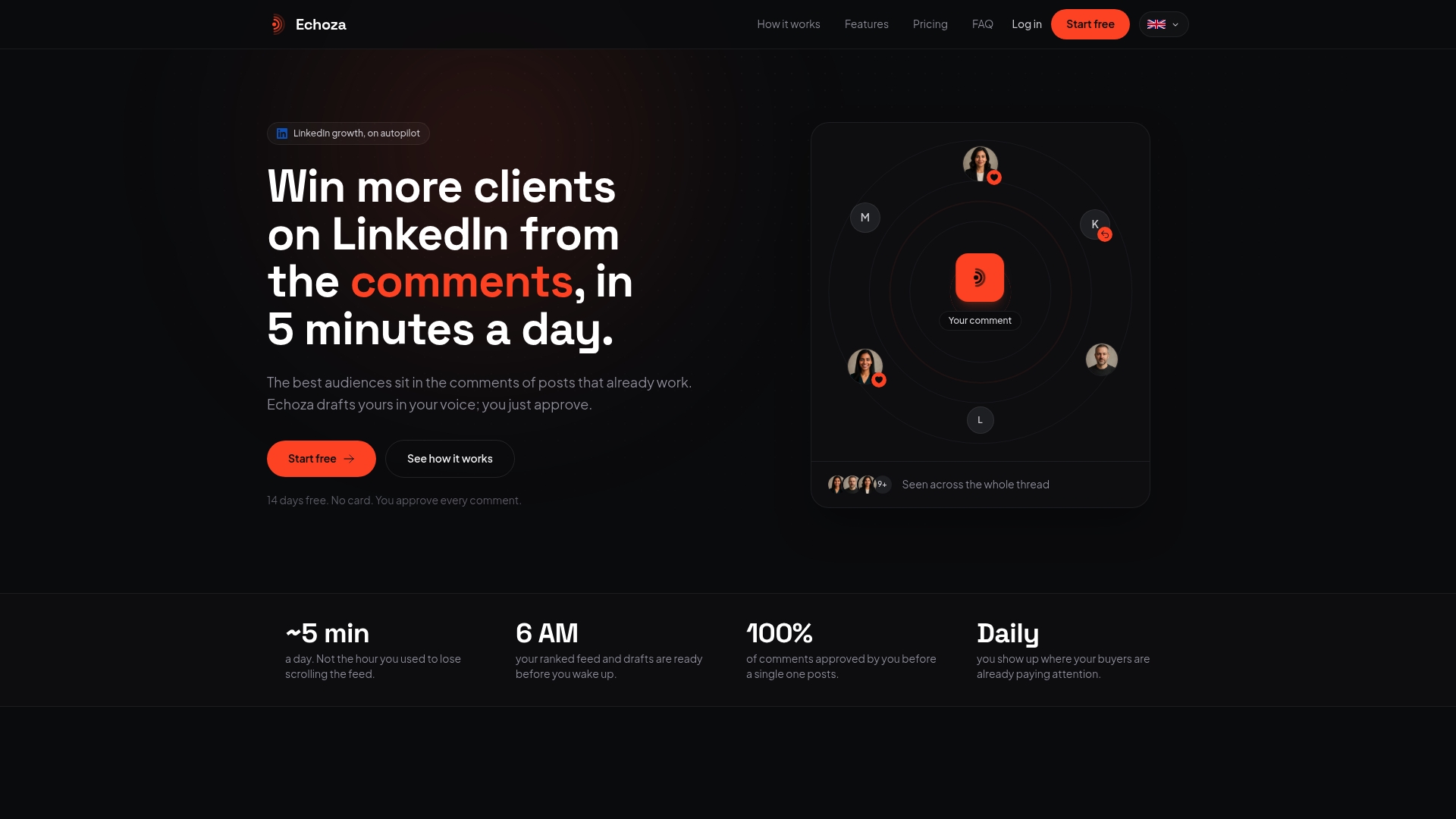
What Echoza does in practice:
- Drafts comments that match your tone and past activity, not generic filler
- Approval workflow so nothing posts without your sign-off
- Schedules approved comments across your working hours to avoid activity spikes
- Manages multiple accounts with separate voice profiles
- Daily activity caps to keep your account safe and behavior natural
Pair it with the posting schedule you build from this article. Use Echoza to automate LinkedIn comments around your test windows and watch how early engagement affects your post's reach. Start with a free trial at echoza.app.
Key Takeaways
The most reliable approach to LinkedIn timing in 2026 is to use mid-week mid-morning as a baseline, test late-afternoon and Friday lunch as alternatives, and let your own engagement data override any industry benchmark.
| Point | Details |
|---|---|
| Start with three windows | Tue–Thu 9–10:30 AM, Fri 12–1 PM, and Wed–Thu 4–5 PM ET cover the strongest 2026 baseline slots. |
| Avoid the mid-morning trap | PostPlanify found 61% of posts land in mid-morning, driving up competition and lowering per-post engagement. |
| Measure first-hour engagement | Comments and reactions in the first 60 minutes drive algorithmic distribution more than 24-hour totals. |
| Match format to window | Video and short posts fit commute hours; long-form articles and carousels need mid-morning desktop attention. |
| Echoza amplifies your schedule | Echoza's personalized commenting automation seeds early engagement on your posts and places your profile in high-reach conversations. |
Useful sources and further reading
Dataset benchmarks used in this article:
- Sprinklr: Best Time to Post on LinkedIn in 2026 — Large-scale analysis recommending mid-week mid-morning as a baseline with AI-driven segmentation.
- Taplio: 200,000+ Post Study (March 2026) — Benchmark dataset identifying Friday 12–1 PM as the single highest-engagement hour (2.2% peak).
- PostPlanify: First-Party SMB Data 2026 — Identifies the mid-morning trap (61% post concentration) and early-morning outperformance.
- Sprout Social: Best Times to Post on LinkedIn 2026 — 307,000-profile dataset supporting midweek midday for B2B audiences.
- Buffer: 4.8M Posts Analyzed 2026 — Documents the late-afternoon shift, with Wednesday 4 PM and Friday 3–4 PM as top examples.
Echoza resources for deeper implementation:
- B2B LinkedIn Engagement Rate Benchmarks — Set realistic targets before you start testing.
- How to Automate LinkedIn Comments Without Getting Banned — Safety and best practices for comment automation.
- LinkedIn Marketing Tools for B2B Growth — Scheduling and analytics tool overview for 2026.