

A fully optimized LinkedIn profile is 40 times more likely to receive recruiter messages than an incomplete one. That single fact explains why your profile is either working for you around the clock or costing you opportunities every day. The linkedin profile tips 2025 that actually move the needle are not about cosmetic tweaks. They target the specific fields LinkedIn's algorithm weighs most: your headline, photo, About section, skills, and ongoing activity. Each section below gives you a concrete, data-backed action you can take today.
1. Write a headline that drives search visibility
Your headline carries 40–45% of your total LinkedIn search visibility. That makes it the single highest-leverage field on your entire profile. Outcome-focused headlines outperform title-only headlines by 3x in profile views, according to industry analyst Joshua Waldman.
The formula that works: target role + key skill + specific value you deliver. "Senior Product Manager | SaaS Growth | Helping B2B Teams Cut Churn by 20%" beats "Senior Product Manager at Acme Corp" every time. The first version tells recruiters what you do and what you produce. The second tells them where you work.
LinkedIn displays only the first 80 characters of your headline on mobile. That means your most important keywords and your clearest value statement must appear in those first 80 characters. Write for mobile first, then fill the remaining characters with supporting detail.
- Pull exact job titles and skill phrases from job descriptions in your target field
- Avoid vague labels like "thought leader," "results-driven," or "passionate professional"
- Include at least one hard skill (e.g., Python, financial modeling, UX research)
- Test two headline versions by updating and checking profile views after one week
Pro Tip: AI tools can generate headline drafts quickly, but AI-generated copy needs personal customization to perform best. Use a generated draft as a starting point, then rewrite it in your own voice with your actual metrics.
2. Use a professional photo and banner that make a strong first impression
Members with a profile photo receive 21 times more profile views and 36 times more messages than those without one. A photo is not optional if you want results. It is the first thing a recruiter or potential client sees, and it sets the tone before they read a single word.
Your headshot should follow these standards:
- Head and shoulders only, filling roughly 60% of the frame
- Plain or softly blurred background in a neutral color
- Natural, professional lighting (daylight near a window works well)
- Current photo, taken within the last two to three years
- Business-appropriate attire that matches your industry
Your banner image is the second visual element recruiters notice. Most professionals leave it as the default blue gradient. That is a missed opportunity. A custom banner can display your industry, your tagline, or a visual that reinforces your personal brand. Free tools like Canva offer LinkedIn banner templates sized at 1,584 x 396 pixels.
Pro Tip: LinkedIn's name pronunciation feature lets you record how your name sounds. Use it. It removes friction for recruiters who might hesitate to reach out because they are unsure how to address you.

3. Write an About section that converts visitors into connections
Your LinkedIn profile functions as a landing page, not a résumé. That distinction changes how you should write your About section. A résumé lists duties. A landing page persuades a specific reader to take a specific action.
Structure your About section in three parts. Open with a hook: one or two sentences that state who you are and what problem you solve. Follow with proof: two to three quantified achievements that show your impact. Close with a call to action: tell readers exactly what you want them to do next, whether that is connecting, emailing you, or visiting your portfolio.
- Keep total length between 200 and 300 words for mobile readability
- Use natural language that mirrors how your target job descriptions are written
- Include keywords fluently within sentences, not as a stacked list at the bottom
- Break text into short paragraphs of two to three sentences each
- Avoid writing in the third person ("John is a results-driven manager...")
LinkedIn's algorithm reads your About section for keyword relevance. Keyword stuffing backfires because LinkedIn's semantic matching favors natural language over forced repetition. Write for the human reader first. The algorithm will follow.
Pro Tip: Update your About section every time you complete a major project or hit a new metric. Fresh content signals activity to LinkedIn's algorithm and keeps your profile accurate for recruiters who visit multiple times.
4. Build a skills section that recruiters actually filter by
Profiles with at least five relevant skills are discovered 31 times more by recruiters. That gap is enormous. The Skills section is not just a list of buzzwords. It is the primary filter recruiters use when running talent searches inside LinkedIn's recruiter tools.
Skills mentioned only in your About section or Experience descriptions do not trigger recruiter filters. Only skills listed in the dedicated Skills field activate those search parameters. This is one of the most overlooked profile mistakes professionals make.
Here is how to build a Skills section that performs:
- List 20–30 skills, prioritizing your most marketable and in-demand ones at the top
- Match skill names exactly to the phrasing used in job descriptions you are targeting
- Complete LinkedIn's verified skill assessments. Passing them boosts hiring chances by 30%
- Request endorsements from colleagues who have directly observed each skill
- Remove outdated or irrelevant skills that dilute your focus
LinkedIn's algorithm clusters related skills together for semantic matching. If you list "data analysis," the algorithm also associates you with related terms like "business intelligence" and "SQL." Choosing your top skills carefully creates a ripple effect across your entire search ranking.
5. Use the Featured section to hold visitor attention
The Featured section keeps profile visitors engaged significantly longer than profiles without it. Recruiters and potential clients who spend more time on your profile are more likely to reach out. Use this section to pin your best work where it cannot be missed.
Strong Featured section content includes:
- A portfolio piece or case study that shows measurable results
- A published article or LinkedIn post that performed well
- A media mention, award, or certification document
- A link to your personal website or a relevant project
Avoid pinning generic company content or posts with low engagement. Every item in your Featured section should answer the question: "Does this make a recruiter or client more confident in hiring me?"
Pro Tip: Text posts consistently generate higher impressions than image or link posts on LinkedIn. Pin a high-performing text post in your Featured section to show both your thinking and your reach.
6. Stay active to rank higher in LinkedIn searches
Regular engagement through comments and posts signals profile relevance to LinkedIn's algorithm. Profiles with consistent activity rank higher in search results and stay visible longer between recruiter searches. Activity is not separate from profile optimization. It is part of it.
Posting three to five times per week on a consistent schedule builds compounding visibility. Each post extends your reach to your connections' networks, which expands your profile's exposure beyond your direct followers. For more engagement on LinkedIn, focus on posts that ask a direct question or share a specific lesson from your work.
Commenting on high-reach posts in your industry is equally powerful. A well-placed comment on a post with thousands of views puts your name and profile in front of an audience that has never heard of you. This is where Echoza creates a real advantage. Echoza drafts comments in your voice and places them inside high-reach discussions, so you build visibility without spending hours writing from scratch.
Avoid overloading posts with hashtags. LinkedIn's algorithm currently favors topical relevance over hashtag volume. Two to three focused hashtags per post outperform ten generic ones. For a deeper look at whether hashtags still work, the answer is yes, but only when used with precision.
7. Keep your profile current with regular audits
LinkedIn re-indexes profile changes within 24–72 hours, with measurable impact typically showing after one week. That means every update you make starts working almost immediately. A monthly profile audit takes less than 30 minutes and keeps your profile aligned with shifting keyword trends and new accomplishments.
A practical monthly audit covers these areas:
- Headline: does it still reflect your current target role and top skills?
- About section: does it include your most recent achievement or metric?
- Skills: are there new skills from recent projects that should be added?
- Featured section: is the pinned content still your strongest work?
- Experience: are your most recent roles fully described with results?
Consistent, gradual updates combined with ongoing engagement outperform one-time overhauls in sustained recruiter visibility. A profile you update once and forget will drift out of relevance within a few months as keyword trends shift and competitors update their own profiles.
Key takeaways
A fully optimized LinkedIn profile, built on a strong headline, professional photo, keyword-rich About section, complete Skills field, and consistent activity, delivers dramatically more recruiter visibility than a static or incomplete one.
| Point | Details |
|---|---|
| Headline is your top priority | It drives 40–45% of search visibility, so write it with your target role and key skills first. |
| Photo drives outreach volume | Profiles with photos receive 21x more views and 36x more messages from recruiters. |
| Skills field triggers recruiter filters | Only skills listed in the dedicated Skills section activate LinkedIn's recruiter search filters. |
| Activity sustains your ranking | Regular posting and commenting signals relevance and keeps your profile ranking higher over time. |
| Monthly audits prevent drift | Update your profile every month to stay aligned with current keyword trends and new achievements. |
What I've learned from watching profiles succeed and stall
Most professionals treat their LinkedIn profile as a one-time task. They spend a weekend updating it, feel satisfied, and then leave it untouched for two years. That approach produces a short spike in views followed by a slow fade into irrelevance.
The profiles I have seen perform consistently well share one habit: they treat the profile as a living document. The headline gets refined when a new skill becomes marketable. The About section gets a new metric after a successful project. The Featured section gets refreshed when a post goes viral or a new case study is ready. These are small updates, but they compound over months into a profile that stays relevant and keeps ranking.
The other pattern I have noticed is that professionals underestimate how much their activity feeds their profile's visibility. Posting and commenting are not separate from profile optimization. They are the engine that keeps the profile in front of new people. A perfect profile with zero activity is like a great storefront on a street with no foot traffic.
My honest recommendation: fix your headline and photo first. Those two changes produce the fastest visible results. Then work through the About section and Skills field. After that, commit to a posting and commenting schedule. The combination of a strong profile and consistent activity is what separates professionals who get inbound recruiter messages from those who are still waiting.
— Nicolas
How Echoza fits into your LinkedIn growth plan
Building a strong profile is the foundation. Staying visible through consistent engagement is what turns that foundation into real opportunities.
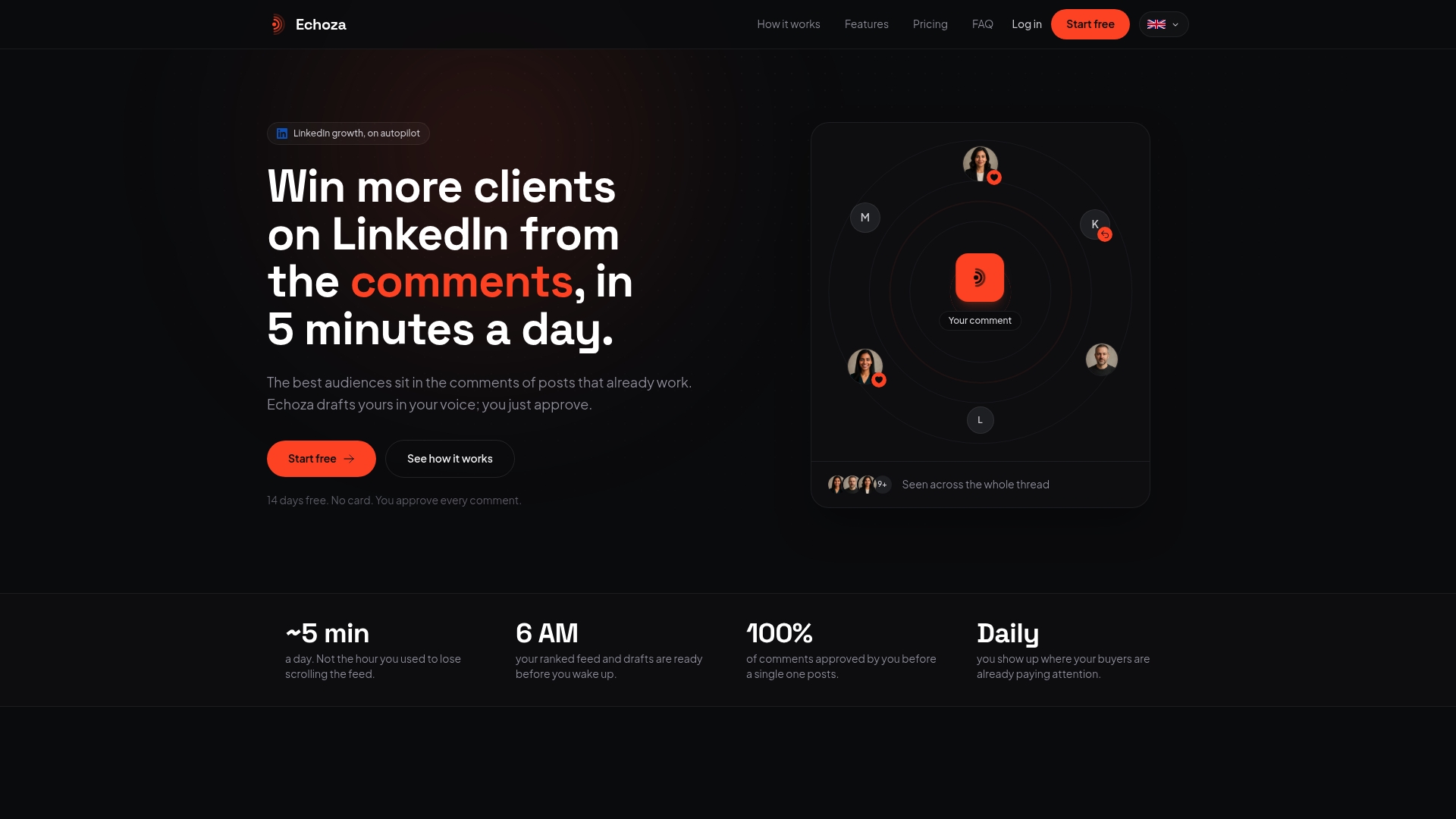
Echoza drafts comments in your exact voice and places them inside high-reach LinkedIn discussions where your audience is already active. You approve every comment before it goes live, so your personal brand stays authentic. Professionals using Echoza report more profile views and direct client outreach without spending hours each day writing content from scratch. If you are serious about winning clients on LinkedIn, Echoza gives you a practical way to stay present and visible while you focus on your actual work.
FAQ
How long does it take to see results after updating my LinkedIn profile?
LinkedIn re-indexes profile changes within 24–72 hours. Measurable results, such as increased profile views and recruiter messages, typically appear within one week of making updates.
What are the most common LinkedIn profile mistakes to avoid?
The most damaging mistakes are leaving the headline as your job title only, skipping the Skills section, and using a low-quality or missing profile photo. Each of these directly reduces your visibility in recruiter searches.
How many skills should I list on LinkedIn?
List 20–30 relevant skills, placing your most marketable ones at the top. Profiles with at least five relevant skills are discovered 31 times more often by recruiters than those with fewer.
Does commenting on LinkedIn posts actually help my profile visibility?
Yes. Regular engagement through comments signals activity to LinkedIn's algorithm and raises your profile's ranking in search results. Commenting on high-reach posts also exposes your profile to audiences outside your direct network.
Should I use AI to write my LinkedIn About section?
AI tools are useful for generating a first draft, but the copy needs personal customization to perform well. LinkedIn's algorithm favors natural language, and human readers respond to specific details and authentic voice that generic AI output rarely captures on its own.