

Finding a LinkedIn commenting automation tool that actually matches your voice and supports measurable engagement is harder than it should be. Most options churn out generic, off-brand replies, lack meaningful analytics, or require steep monthly fees with unclear results. This comparison covers workflow, voice-matching quality, platform support, and pricing across four Taplio alternatives so professionals can choose a fit for LinkedIn engagement goals.
Table of Contents
Echoza
At a Glance
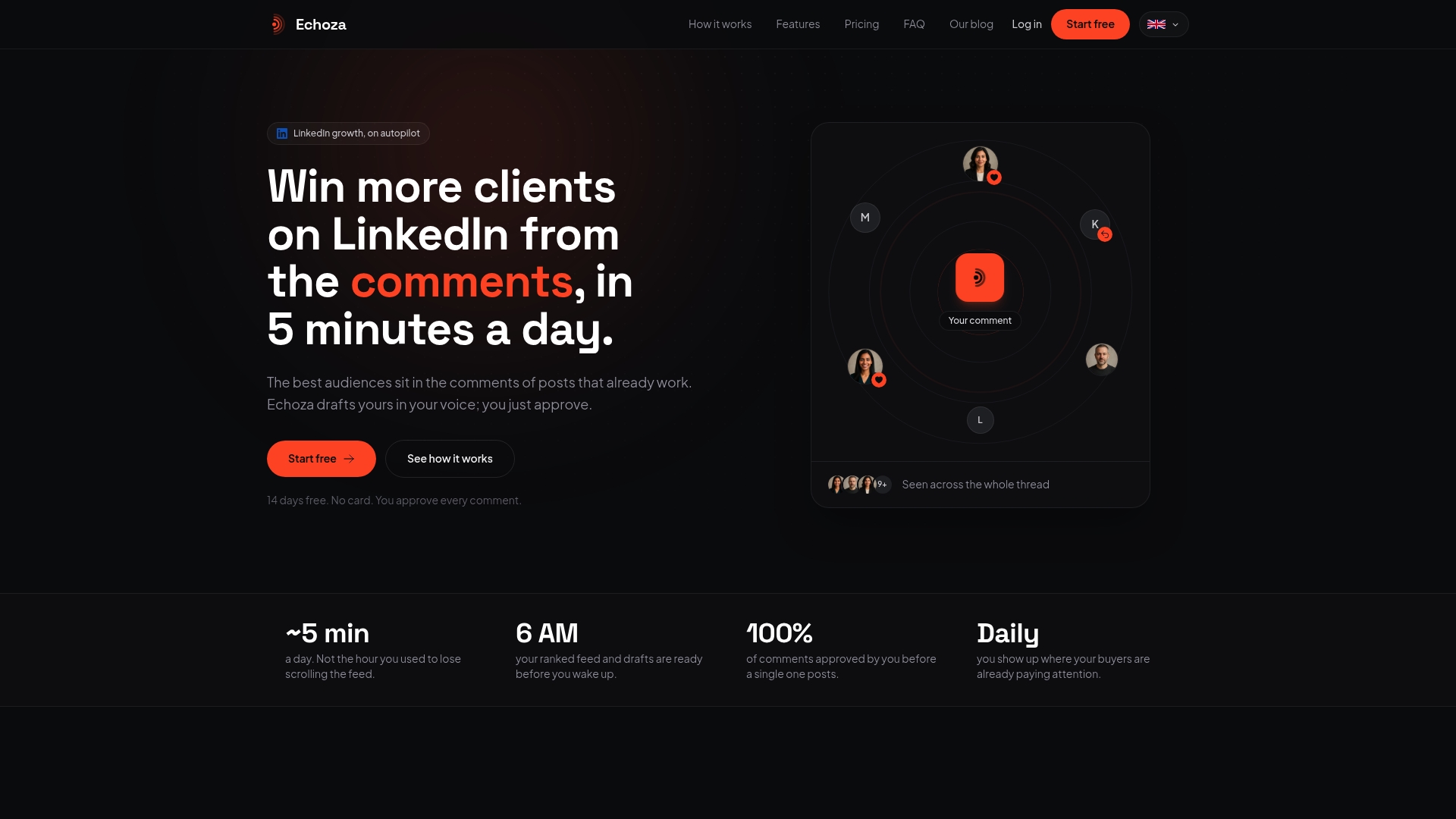
Connects to LinkedIn in less than a minute and places draft comments in a review queue before they publish. It generates replies that mimic your past comment style and a short style note. The vendor reports users see increased profile views and inbound client outreach after using the tool.
Core Features
Echoza learns from your historical comments and a supplied style note to draft replies that match your voice. Drafts enter a human-approved queue so you keep final control over every post, and the system spaces comments through the day to appear like natural activity. The product also ranks posts by likely audience reach so you comment where conversations already attract attention.
Key Differentiator
Echoza’s defining capability is voice replication calibrated to your actual comments, not generic templates. The drafts require your approval before posting, which keeps each comment aligned with your intent. That combination aims to make comments read human and authentic while keeping account safety intact.
Pros
Automating comment drafts saves time you would spend writing and editing replies. Prioritizing high-reach posts increases the odds your profile appears inside active discussions. Manual approval reduces the risk of off-message automation and helps keep your professional tone intact. Spaced posting mimics human timing, which lowers the chance of LinkedIn flagging unusual activity.
Cons
- Manual approval for every comment can slow response speed when rapid, real-time engagement is needed.
Who It's For
Professionals, freelancers, and small marketing or sales teams who want steady LinkedIn presence without constant content production. Members who value a controlled, voice-matched approach to engagement will benefit most. It fits people focused on profile visibility and lead generation through thoughtful commenting.
Unique Value Proposition
A human-approved comment workflow that learns from your past posts and a concise style note means you keep control while offloading draft writing. That saves your time on content creation and puts you directly into active conversations that already attract attention. For solo professionals, that tradeoff between speed and control can turn routine engagement into a repeatable habit.
Real World Use Case
A freelance consultant connects LinkedIn and lets Echoza queue voice-matched replies to industry posts. The vendor reports this approach doubled the consultant’s profile views and led to new inbound inquiries. The workflow kept the consultant’s tone consistent while reducing daily time spent on engagement.
Website: https://echoza.app
LiSeller
At a Glance
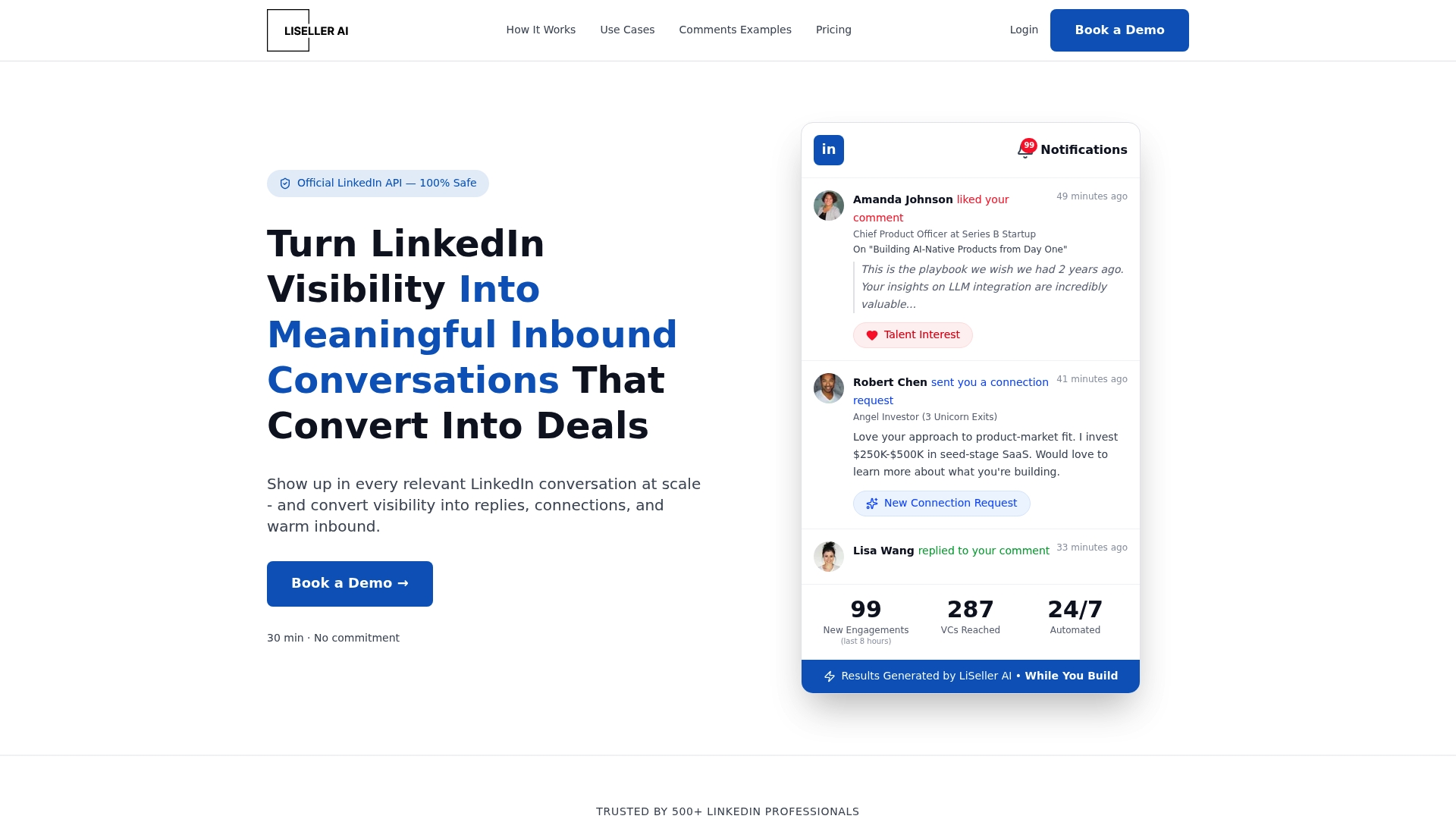
LiSeller charges $299/month per LinkedIn account for in house automation and $499/month per account for account rental and full funnel management. The vendor advertises up to 3,500 comments per week to scale outreach and engagement. The platform also offers account rental for teams that want instant traffic without using their personal profiles. If you need rapid, paid volume and managed accounts, this is a clear entry point.
Core Features
LiSeller builds personalized AI comments and monitors the LinkedIn feed to find relevant posts for engagement. It supports both automated and manual comment posting and tracks profile views, post impressions, and engagement metrics. The product also offers targeted profile views and connection signals to warm prospects before outreach.
Key Differentiator
LiSeller's marketing materials state it uses the official LinkedIn API to keep automation aligned with LinkedIn rules. That API focus lets the vendor promise higher safe volume compared with generic automation tools. The platform also sells warmed account rental so teams can run outreach funnels without exposing their personal profiles.
Pros
The API claim and high volume figure make LiSeller attractive for teams that need steady outbound cadence. Account rental and full funnel management remove the ops burden for agencies that want instant reach. Personalized, context aware commenting aims to increase trust rather than post generic replies, and the monitoring features help target relevant conversations.
Cons
- Limited public detail on integrations and features. The website contains broken links that return 404 pages, so technical specs are hard to verify.
- No clear description of comment quality control or customization options. That gap makes quality governance unclear for regulated industries.
- Pricing is monthly only and the site does not publish ROI estimates or usage caps for each tier.
When It May Not Fit
LiSeller may not fit buyers who require transparent technical documentation or third party integrations. The safety and compliance claim rests on API use, but the site lacks deeper audit or policy details. Teams that must fully own every account or need per post customization may find account rental workflows too opaque.
Who It's For
Sales teams, founders, marketing professionals, and agencies that need scalable LinkedIn engagement and lead generation will find LiSeller useful. Compared with Echoza, LiSeller suits buyers who prioritize higher volume and managed account services over comment drafting with granular voice approval.
Real World Use Case
A SaaS startup uses LiSeller to comment on relevant industry posts to increase visibility and warm prospects. The team rents warmed accounts to run a separate outreach funnel without risking personal profiles. That setup generated inbound leads and saved the team time on manual engagement.
Pricing
LiSeller bills per LinkedIn account. In house automation starts at $299/month per account. Turnkey account rental and full funnel management start at $499/month per account. The site lists monthly billing as the pricing model.
Website: https://liseller.com
Extrovert
At a Glance
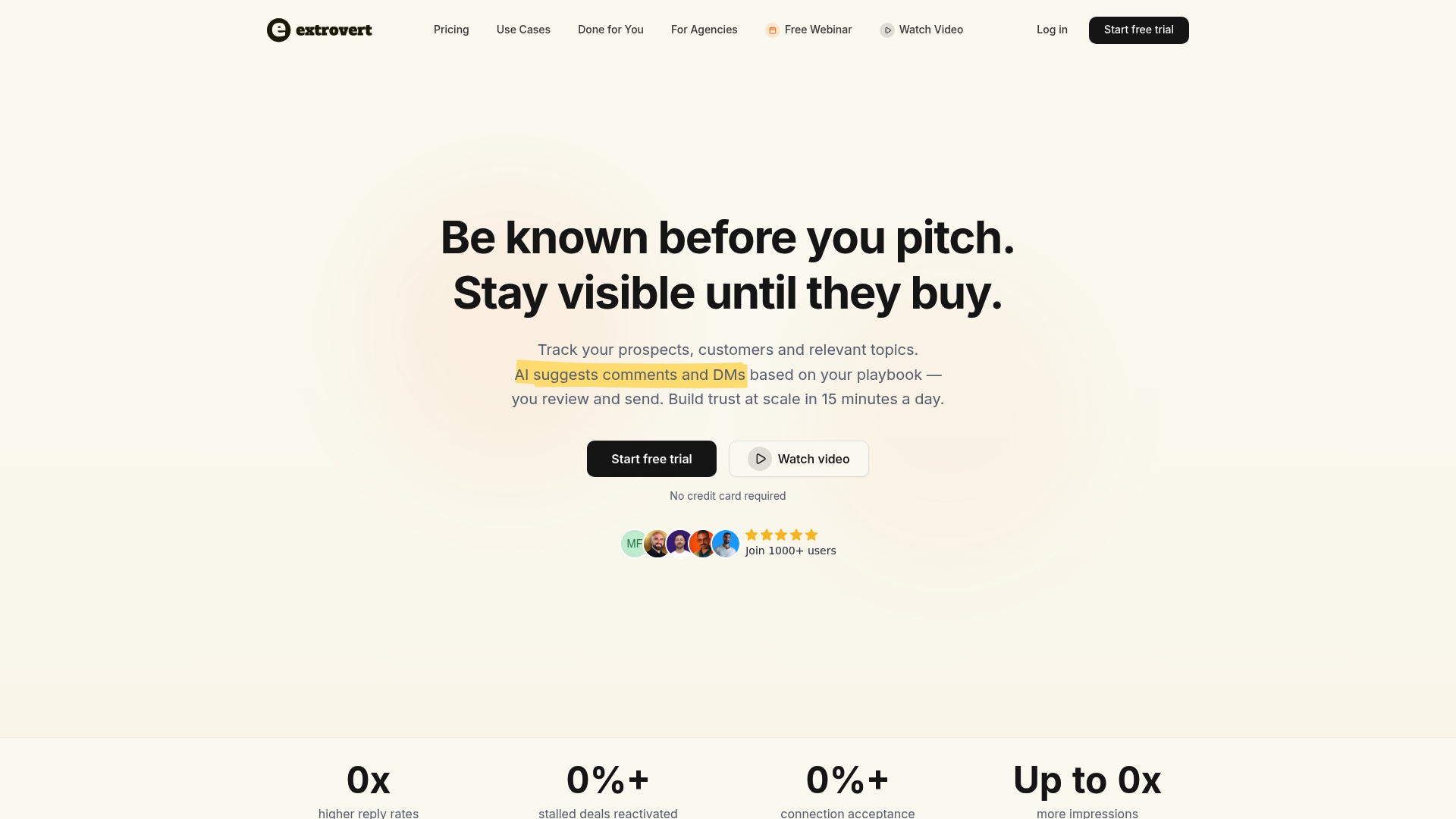
Extrovert reports users see 2 to 5x higher reply rates and 60%+ connection acceptance. That figure comes from vendor materials and reflects self reported outcomes. The product pairs AI generated comment and DM suggestions with campaign management to keep outreach active without constant manual effort. It targets sales professionals, marketers, and business development teams who use LinkedIn for prospecting and nurturing.
Core Features
Extrovert offers a unified feed that surfaces prospects and customers so teams can prioritize engagement. The platform generates comment and DM suggestions that users can customize to match their voice and tone, and it runs automated engagement loops based on behavioral signals. It also tracks discussion topics across market segments and includes team collaboration plus integrations to push data into CRMs and automation stacks.
Key Differentiator
The one clear differentiation is the platform's focus on AI generated comments that adapt to your voice and tone. That capability is built to scale personal outreach while keeping messages recognizable and human. Compared with Echoza, Extrovert leans more toward multi channel outreach and campaign workflows for sales teams rather than singular commenting placement.
Pros
Extrovert's strongest asset is the quality of its AI generated comment suggestions, which users say feel close to their natural voice. The unified feed and topic tracking let teams find high value conversations without switching apps, and the CRM and Zapier links make it easier to push engagement into existing pipelines. Onboarding and support are reported as straightforward, which reduces ramp time for small teams.
Cons
- Setup requires time and attention. Users must train the AI and tune templates before scaling.
- Advanced features sit behind higher tier plans. The free tier offers limited capability.
- Performance depends on user customization. Generic defaults produce weaker results.
- The approach relies on LinkedIn activity and may be affected by platform policy changes.
When It May Not Fit
If you need instant out of the box results without any customization, Extrovert will feel heavy to configure. Teams that do not use LinkedIn regularly will see limited value from the engagement loops. Agencies or users on tight budgets may find the most useful features locked behind paid tiers.
Notable Integrations
- Zapier
- HubSpot
- Make
- Lemlist
- HeyReach
- Clay
Who It's For
Extrovert fits sales and marketing professionals, business development managers, and entrepreneurs who actively prospect on LinkedIn. It suits small teams that want to scale personalized outreach without hiring more people. Agencies that manage multiple profiles will also benefit from the team collaboration and campaign controls.
Real World Use Case
A sales team uses Extrovert to surface accounts and craft tailored comments on key prospects' posts. The team approves suggested messages, routes engagement events into HubSpot, and reactivates stalled deals through consistent messaging. That workflow preserves authenticity while increasing touch frequency and meeting volume.
Pricing
Pricing starts at $29 per seat per month for the Light plan. Higher tiers add unlimited campaigns and enhanced AI features, and discounts are available for annual billing and agencies.
Website: https://goextrovert.com
Commentify
At a Glance
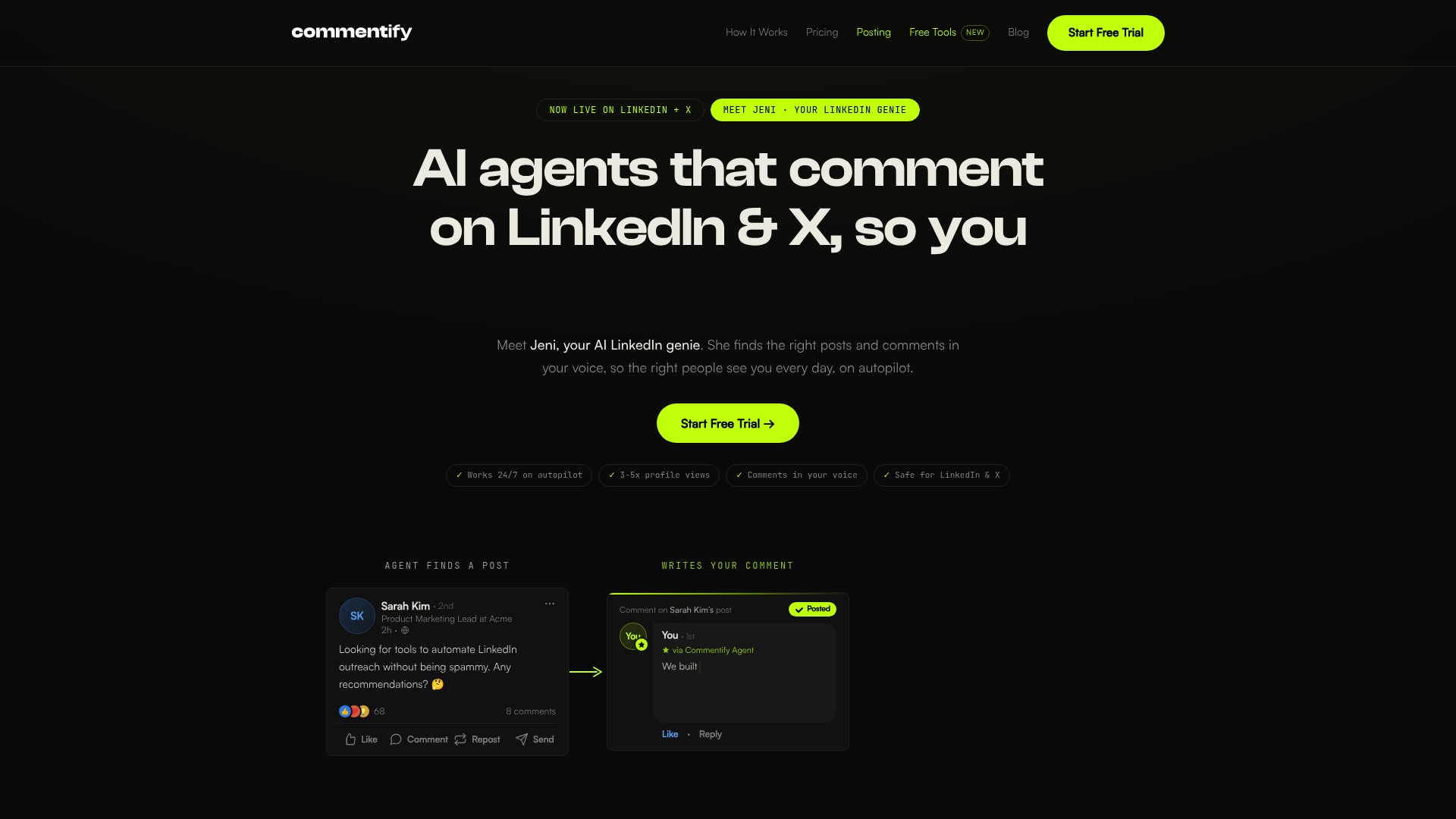
Commentify automates comments and posts on LinkedIn and X while offering a 5-day free trial. The tool finds relevant posts, writes contextual replies in your voice, and schedules LinkedIn carousels and visuals. That mix lets you replace hours of manual engagement with a dashboard workflow.
Core Features
Commentify uses AI to locate relevant conversations and draft comments that match your tone, with options to review before posting or allow auto approval. The dashboard also handles scheduled posts, including carousels and visuals, and lets you target by topics, hashtags, profiles, job titles, geography, and company size. An analytics pane reports impressions, views, and follower growth.
Key Differentiator
The vendor positions Commentify around its ability to generate contextual comments that mimic your voice while applying safety filters to avoid policy violations. That emphasis on safe, human sounding engagement differentiates it from basic bulk commenters. This focus makes it useful if you want frequent engagement that reads like real conversation.
Pros
Commentify saves time by automating routine engagement across LinkedIn and X while keeping replies personalized. Its targeting options let you focus comments on specific topics, companies, and job titles instead of broad tagging. The platform includes an analytics dashboard so you can track impressions, views, and follower changes. Setup is quick, and users can switch between review modes and auto approval depending on comfort level.
Cons
- Page content and third party reviews do not specify platform limitations beyond maintaining natural engagement, which leaves some operational details unclear.
- No mention of integrations beyond LinkedIn and X, so connecting to other marketing tools may require manual export.
- Advanced customization for enterprise teams is not described, which may limit agency workflows.
When It May Not Fit
If you need multichannel integration beyond LinkedIn and X, Commentify will feel limited. Large agencies that require custom white label options or advanced permission controls may find the pricing tiers too simple. Teams that depend on deep CRM syncs or API driven automation should look elsewhere for tighter system integration.
Who It's For
Founders, creators, thought leaders, B2B sales teams, and social media managers who want to scale personal engagement on LinkedIn and X will benefit most. People who prioritize a conversational voice and quick setup over complex integrations will find this approach practical. Smaller teams that want measurable follower and view growth fit the product profile well.
Real World Use Case
A SaaS founder sets Commentify to comment on posts about SaaS product management, approving drafts each morning. The tool posts scheduled LinkedIn carousels twice-weekly and files analytics for impressions and follower trends. That routine saves several hours per week while keeping the founder visible in relevant discussions.
Pricing
Plans start at $39/month for the Starter plan and go up to $99/month for the Power Bundle, and the service includes a 5-day free trial. Pricing appears tiered by features and scale, with no public mention of enterprise custom pricing.
Website: https://commentify.co
Comparison of alternatives
Choosing the right LinkedIn engagement tool depends on balancing features such as automation, control, and comment authenticity. This analysis aims to contrast available options for professionals to make an informed choice.
Features that enhance engagement
Echoza stands out by aligning automation with user-specific voice replication and comment authenticity. Extrovert excels in multi-platform integrations and workflow adaptability. LiSeller caters to high-volume operations through managed and automated funnels, whereas Commentify offers lightweight and contextual engagement across LinkedIn and X.
Operational control vs. engagement scale
Echoza's comment queue ensures user oversight, prioritizing content authenticity. In contrast, LiSeller's high automation and account rental options emphasize maximum volume, appealing to large-scale campaigns. Extrovert and Commentify provide middle-ground solutions combining operational agility and broad usability.
Best fit
- Freelancers or professionals needing collaboration on voice-consistent comments will likely favor Echoza for its tailored comment suggestions and human-review emphasis.
- Teams requiring high-scale activity and turnkey account use will find LiSeller better suited to their operations.
- Groups pursuing agility in platform integration and outreach campaigns can benefit substantially from exploring Extrovert.
- Smaller teams desiring cross-platform engagement on a budget will align well with Commentify's prioritized usability.
Our pick
Overall, Echoza is the recommended choice for individuals and teams desiring authentic voice replication merged with controlled LinkedIn engagement strategies. However, teams prioritizing reach and scalability should explore LiSeller's features for suitable solutions.
Choosing the ideal LinkedIn comment automation tool can hinge on finding the one best suited to your preferred engagement style, feature set, and budget.
| Product | Key Differentiator | Best For | Pricing | Notable Limitation |
|---|---|---|---|---|
| Echoza | Voice-matched reply generation with manual approval | Freelancers and professionals focusing on LinkedIn visibility | Price not published | Manual review may slow real-time responses |
| LiSeller | LinkedIn API-backed high-volume commenting | Sales teams and agencies requiring scalable outreach | $299–$499 per account monthly | Lack of technical documentation and unclear feature integration |
| Extrovert | Versatile AI comment suggestions with CRM integration | Sales professionals and marketers active on LinkedIn | Starting at $29/seat/month | Requires tuning for optimal performance |
| Commentify | Contextual comments with quick setup | Founders prioritizing engagement and topic targeting | $39–$99/month | Limited integration beyond LinkedIn and X |
Challenges in Finding the Right Taplio Alternatives for LinkedIn Engagement
Echoza addresses common challenges professionals and sales teams face when searching for taplio alternatives. Many want to maintain a steady LinkedIn presence without losing control over their voice or risking generic automation. Echoza solves this by learning from your historical comments and style notes to draft authentic replies. This hands-on approval process keeps your message on point while positioning you within high-reach LinkedIn conversations for greater visibility and inbound client outreach.
If you want a commenting tool designed specifically for professionals, freelancers, and small marketing or sales teams, try Echoza. It saves time by automating draft creation but lets you control every final comment. See how it can boost your profile views and engagement while you focus on building relationships.
FAQ
What features make Echoza a strong choice for LinkedIn engagement?
Echoza excels in generating comments that mimic your past style while allowing for final approval. It learns from your historical comments and a supplied style note to draft replies, ensuring your voice remains consistent. You should consider Echoza if you want a personalized and controlled commenting experience.
How does LiSeller compare to Echoza in terms of account management?
LiSeller offers turnkey account rental and full funnel management, making it ideal for agencies seeking instant outreach without using personal profiles. Echoza focuses more on controlling voice matching and approval for each comment, making it a better fit for individuals wanting detailed oversight over engagement.
What pricing options are available for Echoza users?
Echoza provides a user-friendly setup that automates comment drafting without extensive costs. While the specific pricing for Echoza isn't mentioned in the content, it is known to save you time while maintaining engagement quality, making it a practical choice for busy professionals.
Can Commentify's features help professionals increase their visibility on LinkedIn?
Commentify automates comments and posts while personalizing replies, which can effectively save time and boost visibility. For a more controlled and voice-aligned approach, Echoza remains a viable option with its human-approved comment workflow that elevates safety and personal touch in engagement.
What is the main benefit of Echoza's human-approved comment queue?
The human-approved comment queue in Echoza ensures that every automated comment reflects your intent and maintains your professional tone. This feature allows you to offload routine engagement tasks while keeping a high level of control over your online presence.