
Managing LinkedIn comment engagement at scale while keeping messaging authentic feels time-consuming and error-prone for professionals and agencies. Many LinkedIn automation tools either skip user approval on drafts, limit compliance support, or lack detailed analytics for assessing comment quality. This comparison covers pricing, workflow oversight, and safety features so you can match a LinkedIn comment automation alternative to your workflow needs and account safety priorities.
Table of Contents
Echoza
At a Glance
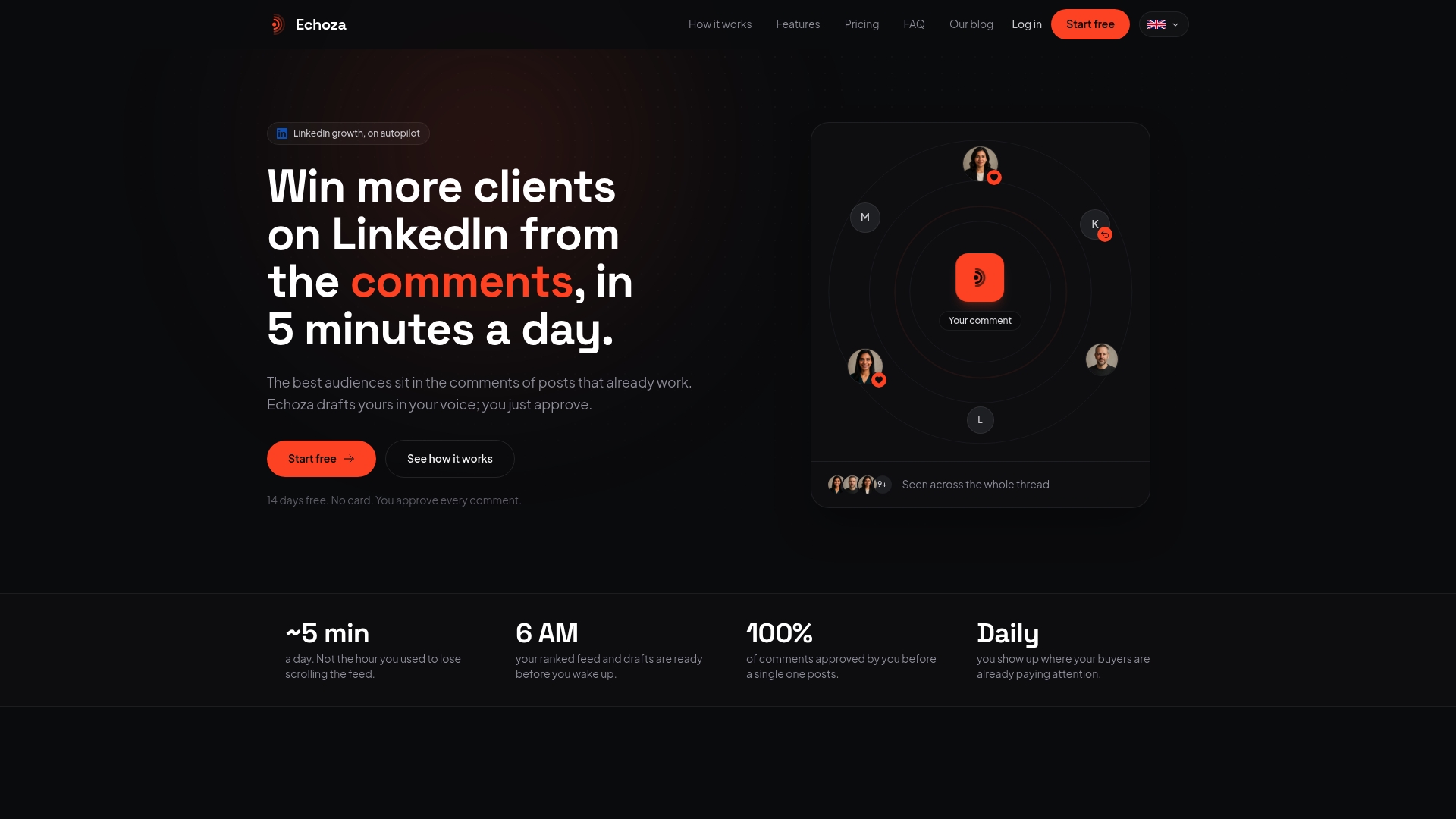
Connects with LinkedIn accounts in under a minute. Echoza produces AI generated drafts that mimic your past comments and style notes. The vendor reports users have seen increased profile views and client outreach. Every comment requires your approval and the platform applies daily caps to reduce automated activity.
Core Features
Echoza generates AI generated drafts in your voice and presents them for approval before any posting. It scores posts by potential reach and lets you schedule approved comments to spread across the day. The tool includes tone presets such as warm, curious, and contrarian, plus support for multiple accounts and team review.
Key Differentiator
Drafts comments in your voice based on your previous comments and style notes, approved by you before posting. That approach makes each comment read like a real member of your network wrote it. Because you see and sign off on every draft, the platform avoids blind automation while keeping activity consistent.
Pros
Echoza saves time by shifting comment writing into a review workflow instead of drafting from scratch. The post scoring feature helps you place comments inside high reach threads where your profile can get noticed. Safety measures such as daily caps and randomized timing reduce the chance of account flags, and support for multiple accounts and team collaboration helps agencies and marketing teams keep several member profiles active.
Cons
- Reliance on AI to mimic your voice may not be perfect initially and will need training with your past comments.
Who It's For
Professionals, entrepreneurs, content creators, and marketing teams that rely on comment threads to build presence will find Echoza useful. Community managers handling several member profiles benefit from the approval workflow and team features. Agencies that must maintain a steady member presence across clients will find the scheduling and post scoring especially helpful.
Unique Value Proposition
Scores posts based on potential reach before you approve any comment. That makes you spend time only on threads that can move the needle for a given member profile. Combined with scheduled, approved drafts and tone presets, Echoza converts active threads into predictable visibility without requiring constant original posting.
Real World Use Case
A marketing agency uses Echoza to manage comments across multiple client accounts. The team uploads each client profile and past comments, then reviews AI generated drafts each morning. Approved comments go into high reach threads throughout the day and generate inbound inquiries for several clients.
Website: https://echoza.app
LiSeller
At a Glance
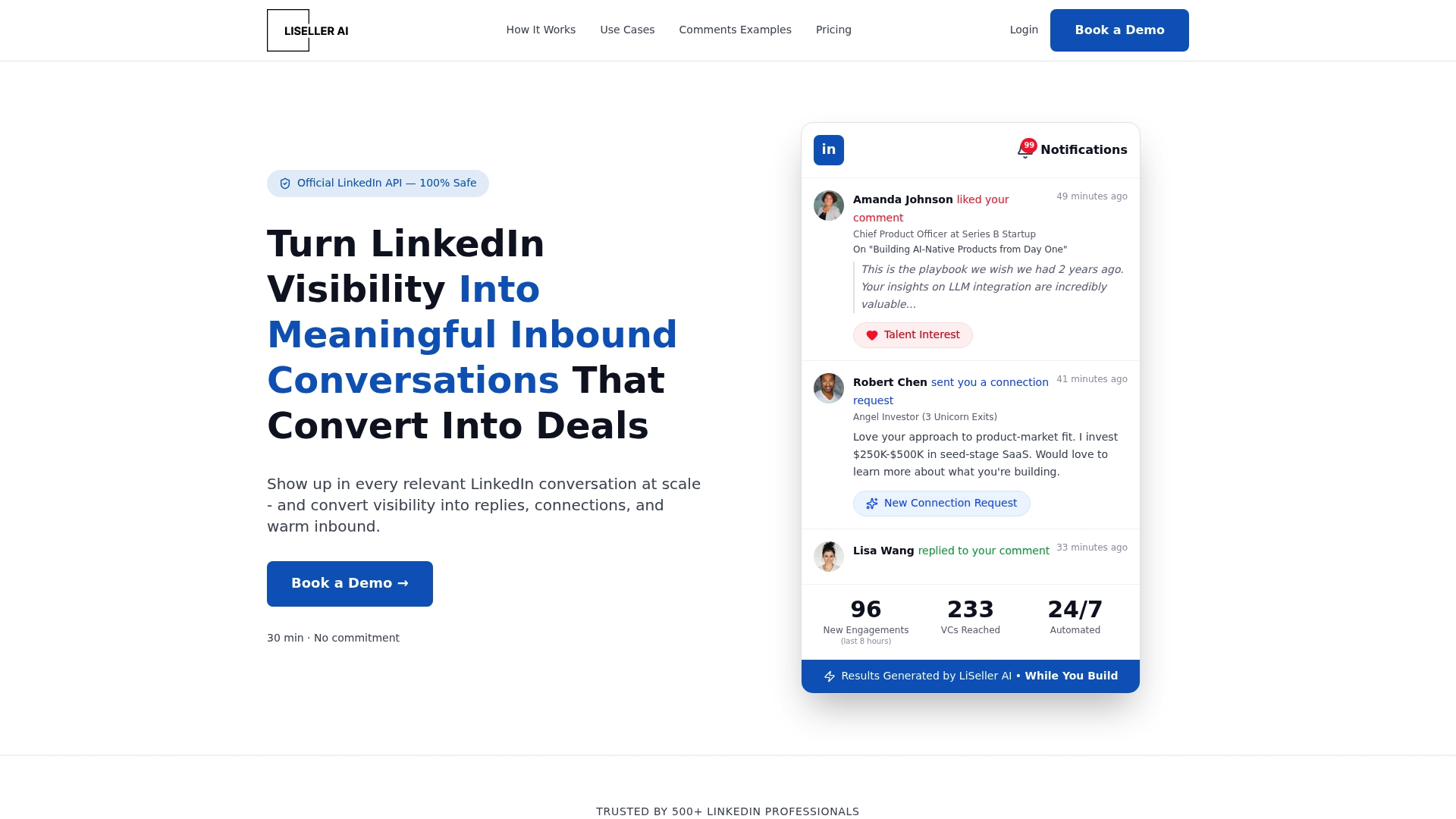
LiSeller's marketing materials state a startup saw profile views increase 294.7% in a week and impressions rise 666.7%. The vendor reports that outcome after using automated comment engagement tied to relevant posts. LiSeller offers two service tracks, In House Pipeline and Turnkey Traffic, aimed at scaling inbound conversations safely.
Core Features
LiSeller automates LinkedIn comment engagement using AI powered comment composition that reads post context and tailors replies. The platform works across posts, nested comments, and connection activity while operating through the official LinkedIn API for compliance. It also offers scaling options that include account rental and full funnel management for higher volume programs.
Key Differentiator
LiSeller relies on the official LinkedIn API as the primary safety and compliance mechanism. That choice reduces the risk of platform policy violations compared with tools that simulate browser actions. The vendor combines API access with AI personalization to keep comments context aware at scale.
Pros
Using the official API gives LiSeller a clear safety advantage when running automated engagement at scale, according to the vendor. Its comment personalization improves conversational relevance and helps sales and marketing teams warm prospects before outreach. The service can bypass connection caps by driving inbound interest through visible engagement, and packaged options suit both in house teams and agencies managing multiple accounts.
Cons
- Comments may lack subtle human nuance, which can reduce authenticity in sensitive conversations.
- Heavy automation use can trigger platform flags if volumes are not carefully managed.
- Renting accounts or buying full funnel services adds extra costs beyond the base plan.
- Analytics focus is limited, leaving buyers short on detailed measures of comment quality.
When It May Not Fit
If your team needs deep comment quality analytics, LiSeller may not fit because reporting is limited. Organizations that cannot dedicate staff to ongoing comment review should avoid fully automated comment flows. Buyers that require human crafted nuance for complex brand conversations should consider alternatives with stronger editorial controls.
Who It's For
LiSeller fits sales professionals, founders, marketers, agencies, and coaches who want to grow LinkedIn presence with automated engagement. It matches teams that accept some automation trade offs in exchange for higher reach and inbound leads. The platform works best when a human reviews comment templates and approves voice alignment.
Real World Use Case
A startup used LiSeller and saw the vendor reported lift in profile views and impressions above. Those figures translated into more connection requests and inbound messages from potential clients and investors. The example shows how high visibility engagement can convert into conversations when follow up is active.
Pricing
Plans start at $299/month for the In House Pipeline and $499/month for Turnkey Traffic. Add on fees may apply for account rental or managed funnel services. Buyers should budget for management time and any optional account rental costs.
Website: https://liseller.com
Commentify
At a Glance
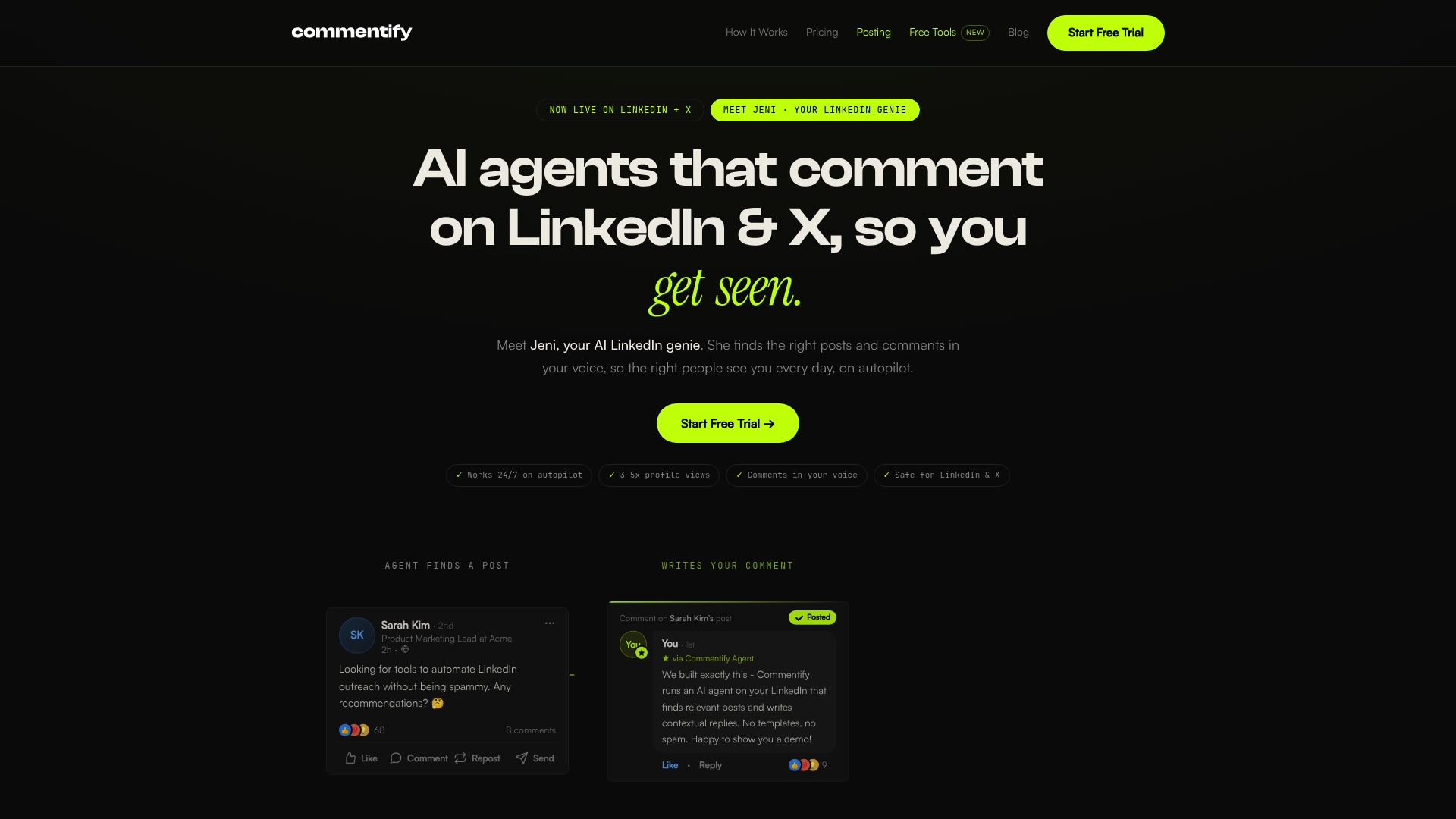
Starts at $39/month and includes a 5-day free trial. Commentify focuses on automated, human-like commenting across LinkedIn and X while offering post scheduling and content ideation. The product packages comment discovery, voice-matching replies, and analytics into a single browser-extension workflow.
Core Features
Commentify finds relevant posts and drafts replies in your voice using AI-driven comment discovery, then schedules those comments with human-like timing. The tool also supports post drafting and content ideation, targeted engagement by topic or profile, and analytics that track impressions and engagement. Multi-platform support is live for LinkedIn and X, with Reddit arriving soon.
Key Differentiator
Commentify pairs personalized voice-matching comments with a dual-mode targeting approach for Personal Branding and Sales growth. That combination makes comment-first engagement the central tactic rather than broad publishing. The result targets professionals who want presence inside high-reach conversations instead of producing constant original posts.
Pros
Commentify saves noticeable time by automating routine comment discovery and reply drafting while keeping controls for approvals and tone. The built-in targeting and dual modes support both visibility campaigns and outreach aimed at potential clients. Setup via a browser extension is simple, and analytics let you measure impressions and engagement so you can adjust targeting over time.
Cons
- Potential account risk if timing or volume is misconfigured, since comment automation can trigger platform safeguards.
- AI accuracy can miss nuance, leading to replies that need manual edits for tone or context.
- Platform support is limited now to LinkedIn and X; Reddit is planned but not yet available.
When It May Not Fit
If you cannot allocate time for careful configuration and monitoring, Commentify may create noisy or off-message replies. Teams needing broad multi-platform publishing beyond LinkedIn and X will find the current scope narrow. Organizations that prohibit browser-extension installations for security reasons will not be able to use the product.
Who It's For
B2B professionals, founders, marketers, and sales teams who want to scale comment-based engagement on LinkedIn and X will get the most value. It suits people who prefer targeted interactions over high-volume posting. Users must be willing to manage tone settings and review automated replies periodically.
Real World Use Case
According to the company, a SaaS startup used Commentify to automate LinkedIn comments and increased profile views by over 300%. That campaign also generated new leads without adding manual commenting hours. The example shows how targeted commenting can raise visibility for sales outreach.
Pricing
Plans start at $39/month for Starter, with a $59/month Pro tier and a $99/month Power Bundle that adds volume, targeting options, and advanced analytics. A 5-day free trial is available so you can test targeting and voice settings before committing.
Website: https://commentify.co
ConnectGenie
At a Glance
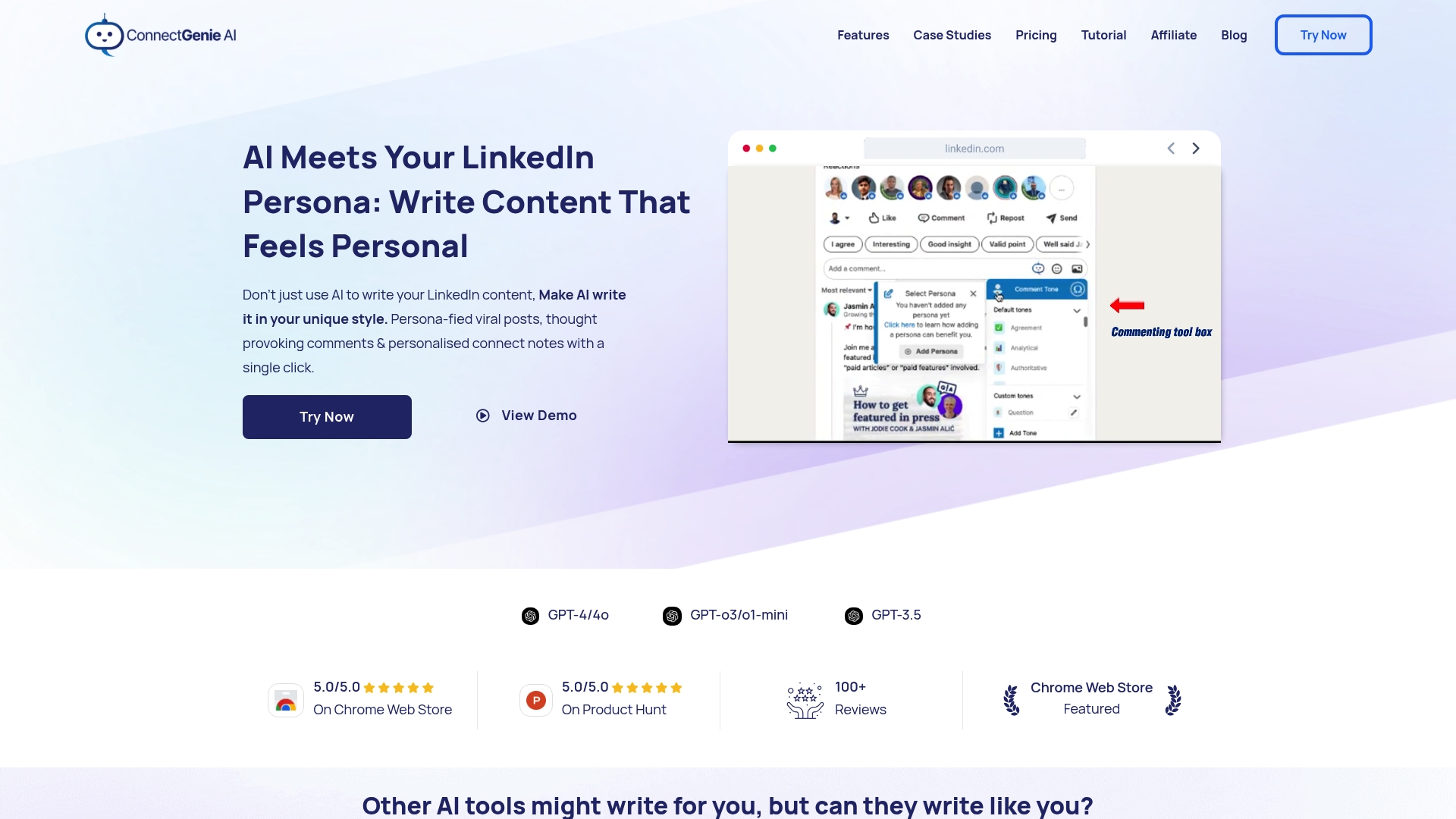
ConnectGenie runs inside a Chrome extension and uses GPT-4 and GPT-3.5 to generate persona-driven LinkedIn messages. It trains on examples you provide to mimic your voice and write connection notes, comments, and posts. The extension speeds up content creation while leaving final edits to you for accuracy.
Core Features
ConnectGenie delivers persona-driven content generation, personalized connection notes, and engagement comment drafts that match your style. The extension also offers post drafting, multilingual output, and templates for job cover letters and outreach messages. All actions take place inside the browser so you do not leave the LinkedIn interface.
Key Differentiator
The product trains AI specifically to mirror an individual user's writing style and speech. That emphasis on voice makes the output read like a real person rather than a generic assistant. This narrower focus suits professionals who want in‑app writing mimicry rather than tools built around comment placement workflows.
Pros
ConnectGenie adopts your personal voice, which reduces the time you spend rewriting generic drafts. It supports multiple personas and languages, so you can switch tone between thought leadership and sales outreach without rebuilding prompts. The browser extension keeps every draft and reply inside LinkedIn, so your workflow stays where you already work.
Cons
- Dependent on AI correctness; generated copy frequently needs manual editing to match facts or context.
- Limited to LinkedIn, so teams wanting multi-platform scheduling will need another tool.
- Pricing tiers may be restrictive for very small or infrequent users.
When It May Not Fit
If you need automated comment placement across other users' high-reach posts, this product will not match that workflow. Organizations that require cross-platform social media management should look elsewhere. Also plan for time to train personas because the extension depends on your input for accurate voice replication. Performance can vary with model updates and availability.
Notable Integrations
ConnectGenie operates as a Chrome browser extension that runs within the LinkedIn interface. It does not list separate API integrations or platform connectors beyond the extension itself. That keeps setup simple but limits cross-application automation options.
Who It's For
This tool fits LinkedIn users focused on personal branding, social selling, or lead generation who want faster, more authentic writing. Solo consultants and small teams who spend most of their outreach on LinkedIn will get the most value. Users who prefer to approve every message before sending will appreciate the hands-on persona training.
Real World Use Case
Bhumika, an IT consultant, used ConnectGenie to overcome writer's block and draft regular posts in her voice. She used personalized connection notes to open conversations and edited drafts rather than writing from scratch. That approach produced more consistent posting and clearer engagement with prospects.
Pricing
See the Pricing Page for detailed plan options and limits. The vendor lists tiered plans on that page rather than publishing a single starting price. Small or occasional users should review limits before committing.
Website: https://connectgenie.ai
Comments Fusion
At a Glance
Unlimited comments are available across plans while the system also supports AI-generated responses in multiple languages. The platform bundles comment automation with prospect monitoring and an AI assistant to capture leads. This mix targets professionals who want high-volume engagement without writing every reply manually.
Core Features
Comments Fusion combines AI-powered comment generation with multilingual support and configurable tones so you can match voice and language. It includes prospects monitoring and analytics for tracking responses, plus integrations that let teams route leads into Slack, Notion, or Google Drive. Browser-extension support for LinkedIn helps automate interactions where you work.
Key Differentiator
The standout trait is its focus on multilingual, tone-customizable commenting alongside direct integrations. That mix aims to let teams scale conversations while keeping replies aligned with brand voice. For agencies managing several accounts this integration-first approach reduces the manual handoff between tools.
Pros
Automates large volumes of LinkedIn replies while letting you choose comment tone. That balance helps preserve authenticity when scaling outreach. Multilingual support expands reach across markets without adding translation overhead. Prospects monitoring provides activity signals so you can follow up when conversations heat up. Integrations with Slack, Notion, Google Drive, and LinkedIn keep lead capture inside common workflows.
Cons
- The learning curve may be steep for new users. Some buyers asked for more onboarding tutorials and guided setups.
- Advanced analytics needs were highlighted in user feedback. The platform has monitoring, but some teams want deeper segmentation and report export options.
- Heavy reliance on AI can produce less personalized comments if templates and tones are not tuned. Manual review remains recommended for high-value prospects.
When It May Not Fit
If your program needs hyper-personalized, manual outreach for enterprise accounts this tool may not match that level of nuance. Firms that require advanced analytics beyond basic monitoring could find reporting limited. Also, some useful features sit behind paid tiers, so pure free-plan users will hit functional limits.
Notable Integrations
- Slack
- Notion
- Google Drive
- LinkedIn via browser extensions
These connections let teams route leads, store comment drafts, and log interaction data in familiar tools.
Who It's For
LinkedIn marketers, social media managers, freelancers, and small to medium-sized businesses that need to scale comment-based engagement will find this useful. Agencies that manage multiple client feeds will benefit from the integration model and tone controls. Individual professionals who prefer fully manual replies may not see the same value.
Real World Use Case
A marketing agency uses Comments Fusion to run client comment campaigns across LinkedIn feeds. The team sets distinct tones per client and monitors prospect reactions in a shared Slack channel. That flow reduces manual posting and centralizes follow up so account managers act on live interest faster.
Pricing
Plans include Free, Rs 1500/month for Starter, Rs 4000/month for Premium, and custom Agency pricing. Some advanced features require paid tiers and agency plans allow multi-client management and deeper integration options.
Website: https://commentsfusion.com
Comparison of alternatives
Echoza distinguishes itself in LinkedIn comment automation by enabling users to post replies constructed in their voice, emphasizing authenticity and allowing end-user approval. Competitors show strengths across scalability, platform support, and targeting options, making the decision hinge on the buyer’s use case.
Scalability and Enterprise Support
LiSeller leads in scalability with enterprise-focused service tracks like "In House Pipeline" aimed at companies needing operational scale on LinkedIn. Enhanced compliance via the official LinkedIn API and integrated comment personalization solidify these advantages for organizations prioritizing efficiency and reach.
Multilingual and Integration Support
Comments Fusion excels in multilingual automation and tool integration by enabling streamlined lead routing through Slack, Notion, and Google Drive. Agencies managing global LinkedIn campaigns can benefit from this coordination without sacrificing interaction quality.
Best fit
- Agencies handling multiple LinkedIn accounts benefit from Echoza’s approval workflows and intuitive scoring features.
- Enterprises seeking extensive scale and operational efficiency thrive with LiSeller’s automated pipelines and API-based safety.
- Professionals prioritizing detailed analytics and connection consistency prefer Commentify for its competitive pricing and post scheduling.
- Teams operating globally value Comments Fusion for its integrated, multilingual comment support.
Our pick
Echoza fits professionals and organizations emphasizing authenticity combined with manageable workflows. Its AI-driven, user-approved drafts ensure comments resonate authentically with audiences, making Echoza the choice for users seeking precision and control over LinkedIn engagement.
Identify the tool that aligns closely with your objectives by evaluating their key features, differences, and user-fit scenarios.
| Product | Key Differentiator | Target Users | Pricing | Notable Limitation |
|---|---|---|---|---|
| Echoza | Custom AI drafts aligning with user-validated tone and style | Marketing teams handling multiple LinkedIn comments | Price not published | Requires initial training to improve personalized voice quality |
| LiSeller | Uses LinkedIn API for compliance and scalable automated engagement | Agencies, sales teams, and founders focused on driving high reach and inbound leads | From $299/month | Limited analytic capabilities for in-depth quality analysis |
| Commentify | Targets strategic comment placement with voice-matched tone and dual engagement modes | Freelancers and entrepreneurs focusing on LinkedIn and X engagement | From $39/month | Limited to LinkedIn and X; Reddit support is not yet available |
| ConnectGenie | Personalized creation of LinkedIn messages within a Chrome extension | LinkedIn users focused on personal branding and lead generation | Pricing on request | No support for multi-platform publishing or wide-scale automated comment placement |
| Comments Fusion | Automated engagement featuring multi-platform integration | Agencies and businesses requiring high-volume multilingual LinkedIn comment automation | Rs 1500/month for Starter | Steep learning curve for advanced features and effective configuration |
Choosing the Right LinkedIn Automation Tool for Genuine Engagement
Finding LinkedIn automation tools that create authentic, personalized comments remains a challenge for professionals, entrepreneurs, and marketing teams. Many tools rely on generic automated replies that miss your unique voice or require extensive manual editing. Echoza addresses these concerns by drafting comments based on your previous interactions and style notes, keeping every message aligned with your intent and tone. This personalized review process helps increase profile views and client outreach while avoiding risks tied to blind automation.
Echoza focuses on placing you in conversations where your comments have the highest reach and impact. Users benefit from scheduled, AI-generated drafts you approve, making consistent engagement manageable without nonstop content creation. Explore how Echoza fits your goals at Echoza and see how it simplifies meaningful LinkedIn interactions today.
FAQ
What unique feature does Echoza offer for LinkedIn posting?
Echoza generates AI-generated drafts in your voice that require your approval before posting. This unique capability allows you to maintain authentic engagement while automating the process, ensuring every comment reads as if it were written by a real member of your network.
How does LiSeller handle engagement compared to Echoza?
LiSeller excels at automating LinkedIn comment engagement through its use of the official LinkedIn API, which provides safety and compliance advantages. In contrast, Echoza focuses on generating content in your voice and requires your approval for each post, making it more suited to users who prioritize authenticity.
What pricing options are available for Echoza users?
Echoza does not publicly list specific pricing tiers, but it provides valuable features like tone presets and daily limits for automation. Professionals and agencies interested in streamlined LinkedIn commenting can expect a competitive pricing model that reflects its unique capabilities.
Can Commentify's comment automation rival Echoza's voice customization?
Commentify automates human-like commenting in a way that is targeted for sales growth, but it lacks the detailed voice customization that Echoza offers. Therefore, users who prioritize mimicking their personal tone and style should consider Echoza as a better fit.
How does Echoza's approval workflow benefit community managers?
The approval workflow in Echoza allows community managers to review AI-generated comments before they go live, reducing the risk of inappropriate content. This feature is critical for maintaining brand voice and ensures that every comment aligns with the community's expectations.