

What LinkedIn keyword optimization actually does for your profile
LinkedIn keyword optimization is the deliberate placement of industry-relevant terms across specific profile sections to improve your ranking in recruiter and peer searches. Think of it less like writing a resume and more like configuring a search engine listing. The platform indexes multiple distinct profile fields, and keywords placed in higher-weight sections carry more ranking power than the same terms buried in older experience entries.
Here is the part most people miss: a static, well-written profile is not enough on its own. LinkedIn's algorithm also weighs recent activity, and inactive profiles lose visibility within a few weeks. That is where automated personalized commenting tools like Echoza come in. By drafting comments in your authentic voice and scheduling them across working hours, Echoza keeps your engagement signals fresh without requiring you to write something new every day.
The combined approach works like this:
- Tiered keyword placement puts primary keywords (3–5 terms) in your headline, About opening, and current job title; secondary keywords (10–15 terms) throughout your About body and experience descriptions; and semantic keywords (20–30 terms) across skills, the full profile, and content.
- Headline front-loading places your primary keyword within the first 40–50 characters, which is what appears in search snippets before the text gets cut off.
- Semantic naturalism means keywords read like normal sentences to both humans and the algorithm. A profile stuffed with disconnected terms signals spam; a profile where keywords flow naturally converts visitors into connections.
- Automated commenting through tools like Echoza places you inside high-traffic discussions your audience is already watching, generating profile views that a static profile never would.
- Consistent engagement signals from regular commenting tell LinkedIn's algorithm your profile is active, which pushes your ranking above equally qualified but quieter profiles.
Table of Contents
- Step-by-step LinkedIn keyword optimization for maximum visibility
- How personalized automated commenting tools elevate LinkedIn engagement
- How to combine keyword optimization with automated commenting for real results
- Start building your LinkedIn visibility today
- Key Takeaways
Step-by-step LinkedIn keyword optimization for maximum visibility
1. Research keywords the right way for LinkedIn
LinkedIn search behaves differently from Google, so Google Keyword Planner alone will not cut it. Start by typing your area of expertise into LinkedIn's own search bar and noting the autocomplete suggestions. Those completions reflect actual searches LinkedIn users run. Next, review several profiles in your niche and note common headline terms. Finally, scan job postings for roles similar to yours and identify frequently appearing terms. Terms showing up in most postings are your primary keywords; others appearing frequently are secondary.
Pro Tip: Cross-reference your keyword list against LinkedIn's Skills suggestions when adding skills to your profile. The platform surfaces terms it already associates with your field, which are exactly the terms its algorithm weights.
2. Build a tiered keyword list before touching your profile
Jumping straight into editing without a keyword map is the most common mistake; use a website spellchecker for marketing professionals to avoid errors that reduce visibility and engagement. Build three tiers first:
- Primary (3–5 terms): your core job title, main skill, and industry. These go in your headline, the first sentence of your About section, and your current position title.
- Secondary (10–15 terms): the problems you solve, tools you use, and industries you serve. These belong throughout your About body and experience descriptions.
- Semantic (20–30 terms): methodology names, certifications, industry jargon, and adjacent skills. Scatter these across your skills section, full profile, and any content you publish.
| Keyword tier | Count | Placement | Algorithm weight |
|---|---|---|---|
| Primary | 3–5 | Headline, About opening, current title | Highest |
| Secondary | 10–15 | About body, experience descriptions | High |
| Semantic | 20–30 | Skills, full profile, content | Medium |
3. Treat your headline as a search field, not a tagline
Your headline is the highest-weight SEO field on your entire profile. It is indexed for every search and displayed in every result. You have a character limit to utilize. Most people use fewer characters on their job title alone. The formula that works: [Primary Keyword] | [Specific Value Proposition] | [Credibility Signal]. A headline like "B2B Sales Trainer | Helping SaaS SDR Teams Hit Quota | 500+ reps trained" is searchable for six different recruiter queries. "Sales Leader | Passionate about results" is searchable for one, maybe. The biggest profile SEO mistake is treating the headline as a personal branding statement instead of a data-driven keyword tool.

4. Write your About section with semantic naturalism
The first 300 characters of your About section appear in search snippets before the "See more" click. Your primary keyword and a clear statement of who you help must live in that window. After the opening, embed keyword variations naturally throughout the narrative. Do not list keywords. Write sentences where the keywords belong. At the bottom of the section, add a bulleted "Specialties" or "Core Competencies" list of 10–15 exact-match hard skills. That list gives the algorithm a clean keyword signal without disrupting the readability of your narrative.
5. Mirror job posting language in experience descriptions
Recruiters run Boolean searches using exact terms connected by logical operators. If your experience description says "worked with data tools" instead of naming Snowflake, dbt, or Airflow specifically, you are invisible to those searches. Pull the exact language from job postings in your field and use it in your experience bullets. Write in scannable bullet points starting with action verbs, and quantify results where you can. The keyword match gets you found; the metrics convince the human who clicks through.
6. Fill all 50 skill slots strategically
LinkedIn allows 50 skills. Filling all available skill slots with relevant, endorsed keywords enhances your ranking in skill-specific filters and recruiter searches. Many professionals add fewer slots and miss search match opportunities. Pin your three most important keyword targets as your top skills, since those display without expansion. Prioritize hard technical skills over soft skills because recruiters search overwhelmingly for the former. Review your skills list quarterly and replace outdated terms with ones that reflect your current focus.
7. Avoid keyword stuffing at all costs
A profile that reads like a keyword list repels the humans who might otherwise reach out. LinkedIn's algorithm has also improved at detecting unnatural keyword density. Write for humans first and let the keywords earn their place in sentences that actually say something. If a sentence reads awkwardly because you forced a term in, rewrite it. Readability and keyword density are not opposites. Done well, they reinforce each other.
8. Run a monthly keyword audit using LinkedIn analytics
Check your search appearances in LinkedIn analytics once a month and compare to the previous month. If specific keywords are trending upward, lean into them in your next profile update. If you are not appearing for terms you want to own, check whether those terms are in your headline and top skills. Profile optimization is not a one-time task. The vocabulary in your industry shifts, job posting language evolves, and your own focus changes. Keeping your profile keywords current is what separates profiles that stay visible from ones that quietly fade.
How personalized automated commenting tools elevate LinkedIn engagement
Keyword optimization gets you found. Commenting keeps you visible. Those are two different problems, and solving only one leaves real opportunity behind.
LinkedIn's algorithm treats recent activity as a ranking signal. Profiles that comment regularly on relevant posts appear fresher in search results than equally optimized but silent profiles. The catch is that generic automation destroys credibility fast. A comment that sounds like it came from a bot does more damage than no comment at all.
Echoza solves this by building a voice profile from your writing style and past activity, then drafting comments that sound like you. Before anything posts, you review and approve each comment. Nothing goes live without your sign-off. Echoza then schedules approved comments across working hours and applies daily activity caps to keep the pattern looking natural. For users managing multiple LinkedIn accounts or voice profiles, the tool handles that too through a browser extension.
The practical results users report include increased profile views and more inbound client outreach, both linked directly to the visibility that comes from appearing consistently in high-traffic discussions. Showing up in a post that already has strong engagement puts your name in front of an audience that is already paying attention. That is a different kind of reach than publishing your own post and hoping the algorithm distributes it.
Effective commenting strategies worth building into your routine:
- Comment on posts from accounts your audience follows, not just posts in your own feed. The goal is to appear where your prospects already are.
- Add a specific observation or a follow-up question rather than a generic agreement. Substantive comments get more replies, and replies extend your visibility.
- Spread activity across the week rather than clustering comments on one day. Consistent daily signals read better to the algorithm than bursts.
- Align comment topics with your keyword themes so your activity reinforces the expertise your profile already claims.
How to combine keyword optimization with automated commenting for real results
Keyword optimization and automated commenting work better together than either does alone, and combining both strategies amplifies overall profile visibility in ways that neither tactic achieves independently.
The practical integration looks like this. When you update your profile keywords after a monthly audit, use those same terms to guide your commenting themes for the next few weeks. If you just added "revenue operations" as a primary keyword, have Echoza prioritize posts about revenue operations for your commenting activity. The algorithm sees keyword prominence in your profile and engagement activity in the same topic area. Those two signals reinforce each other.
Schedule comments during peak engagement hours for your industry, typically mid-morning on Tuesday through Thursday for B2B audiences in the US. Echoza's scheduling feature handles this automatically once you set your working hours. Spreading activity across those windows avoids the pattern of sudden bursts that can trigger platform scrutiny.
Keep human oversight in the loop. Echoza's approval step is not just a safety net. It is where you catch a drafted comment that does not quite fit the post's tone or that touches a topic you would rather not weigh in on publicly. That review step is what separates Echoza from generic automation and keeps your engagement authentic.
For a broader look at LinkedIn marketing tools that complement this approach, the combination of profile SEO and active community engagement consistently outperforms profiles that rely on either tactic alone.
Start building your LinkedIn visibility today
Tiered keyword placement in your headline, About section, experience descriptions, and skills section is the foundation. Profiles optimized for recruiter search keywords receive significantly more InMail messages and profile views than equally qualified profiles that skip this step. That gap does not close on its own.
Semantic naturalism keeps those keywords working for you without alienating the humans who read your profile. Keyword stuffing is a short-term play that backfires. Writing naturally, with keywords placed where they belong, is what holds up over time.
Echoza sustains the engagement signals that keep your profile fresh between keyword audits. Without consistent activity, even a perfectly optimized profile loses ground within 2–3 weeks. With regular engagement, your profile stays visible and your name keeps appearing in the discussions your audience is already having.
Run your first keyword audit this week. Update your headline to use all 220 characters. Fill your remaining skill slots. Then let Echoza handle the daily commenting work so you can focus on the conversations that actually turn into opportunities.
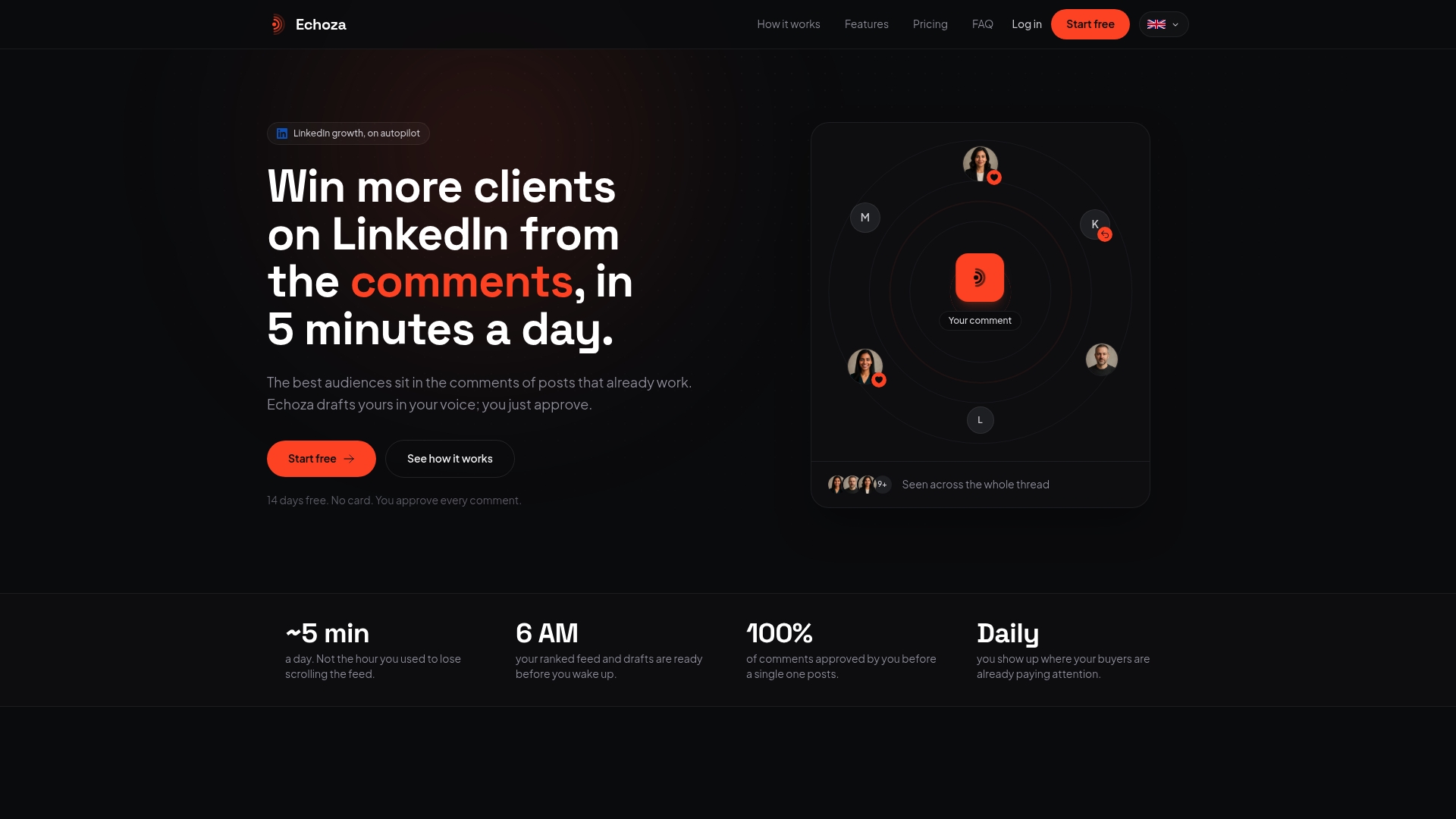
Start building your LinkedIn presence with Echoza and see what consistent, personalized engagement does for your profile views and inbound reach.
Key Takeaways
Combining tiered keyword placement with consistent personalized commenting is the most effective way to maximize LinkedIn profile visibility and inbound engagement in 2026.
| Point | Details |
|---|---|
| Tiered keyword placement | Use 3–5 primary keywords in your headline and About opening, 10–15 secondary in your About body and experience, and 20–30 semantic terms across skills and content. |
| Headline as a search field | Use all 220 headline characters and front-load your primary keyword within the first 40–50 characters for snippet visibility. |
| Fill all 50 skill slots | Filling every skill slot with relevant terms enhances ranking in skill-specific filters; pin your top 3 most important keyword targets. |
| Activity keeps rankings fresh | Inactive profiles lose visibility within 2–3 weeks; regular meaningful commenting maintains the engagement signals LinkedIn's algorithm rewards. |
| Combined strategy outperforms | Profiles that pair keyword optimization with automated personalized commenting generate more profile views and inbound connections than those relying on either tactic alone. |