
Routine LinkedIn outreach drains time when comment replies, follow ups, and approvals must be handled across multiple accounts. Many tools either restrict automation features to message sends only or force teams to manage comment queues and approvals with manual workflows. This comparison outlines automation depth, safety controls, and account support for LinkedIn lead generation alternatives so marketing teams can select a tool that fits their outreach workflow.
Table of Contents
Echoza
At a Glance
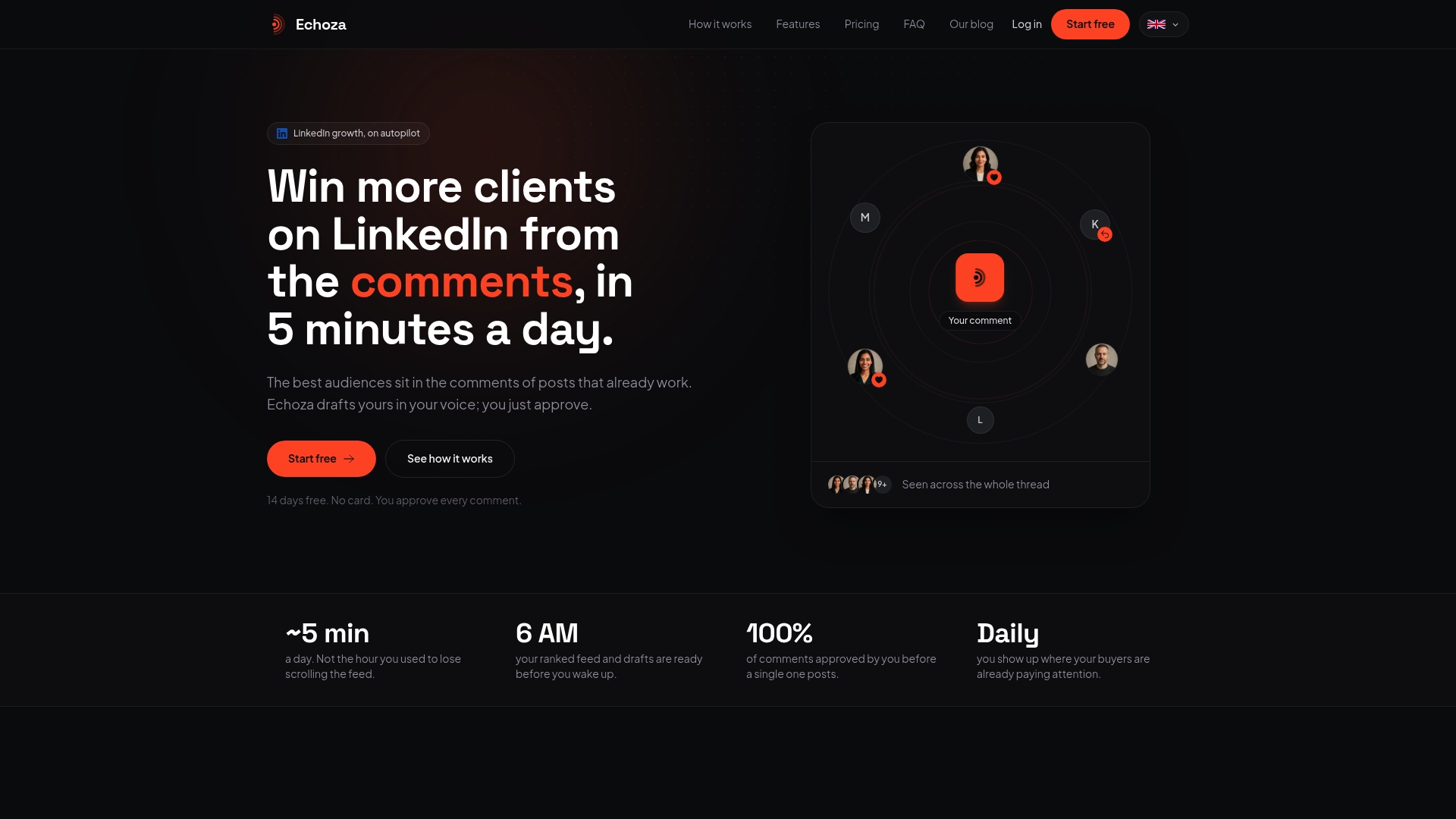
Echoza drafts comments that mimic your voice and routes every draft through a built-in approval queue. The system scores posts by audience reach so you focus on high-reach discussions. According to the company, users report increased profile views and client outreach. Safety measures throttle activity to reduce the risk of LinkedIn restrictions.
Core Features
Echoza generates comment drafts using a voice model trained on your prior posts and replies, and it presents each draft for manual approval. The platform ranks posts by reach so you can prioritize where to join conversations, and it sends comments on a drip schedule to mimic human timing. Multiple safety controls work behind the scenes to limit repetitive actions and reduce account flags.
Key Differentiator
The bot learns and drafts comments in your voice so replies feel like original contributions from you. That capability shifts time spent on writing to time spent on short approvals and selective engagement. It places your profile inside active comment threads with larger audiences rather than relying on fresh posts.
Pros
Automates routine engagement and saves writing time while preserving a personal tone. The approval workflow keeps every message aligned with your intent and reduces the chance of awkward or off-brand replies. Post scoring directs your attention to conversations where members are already active, and drip sending spaces comments to feel organic. Safety controls reduce exposure to LinkedIn activity limits.
Cons
- Limited to LinkedIn comments and not a full content management platform
Who It's For
Solo professionals and consultants who want more profile visibility without writing daily long-form posts. Marketing teams handling multiple LinkedIn accounts that need a repeatable approval workflow will find the comment queue useful. Business owners who win clients through quick, visible participation in comment threads get the biggest practical benefit.
Unique Value Proposition
Built-in review plus voice-mimicking drafts moves the work from composing posts to approving high-quality comments. That change reduces time spent on content creation and increases time available for outreach and follow-up. Teams that bill by hour or run tight editorial controls can route drafts to an approver and keep messaging consistent across members. The workflow lowers the cost of regular engagement.
Real World Use Case
The vendor advertises a freelance consultant who used Echoza to comment on trending posts and saw a sharp rise in profile visits and inbound leads. The consultant spent minutes each day approving drafts instead of drafting new posts. That approach kept their profile visible in high-traffic threads while leaving time for client work.
Website: https://echoza.app
Expandi
At a Glance
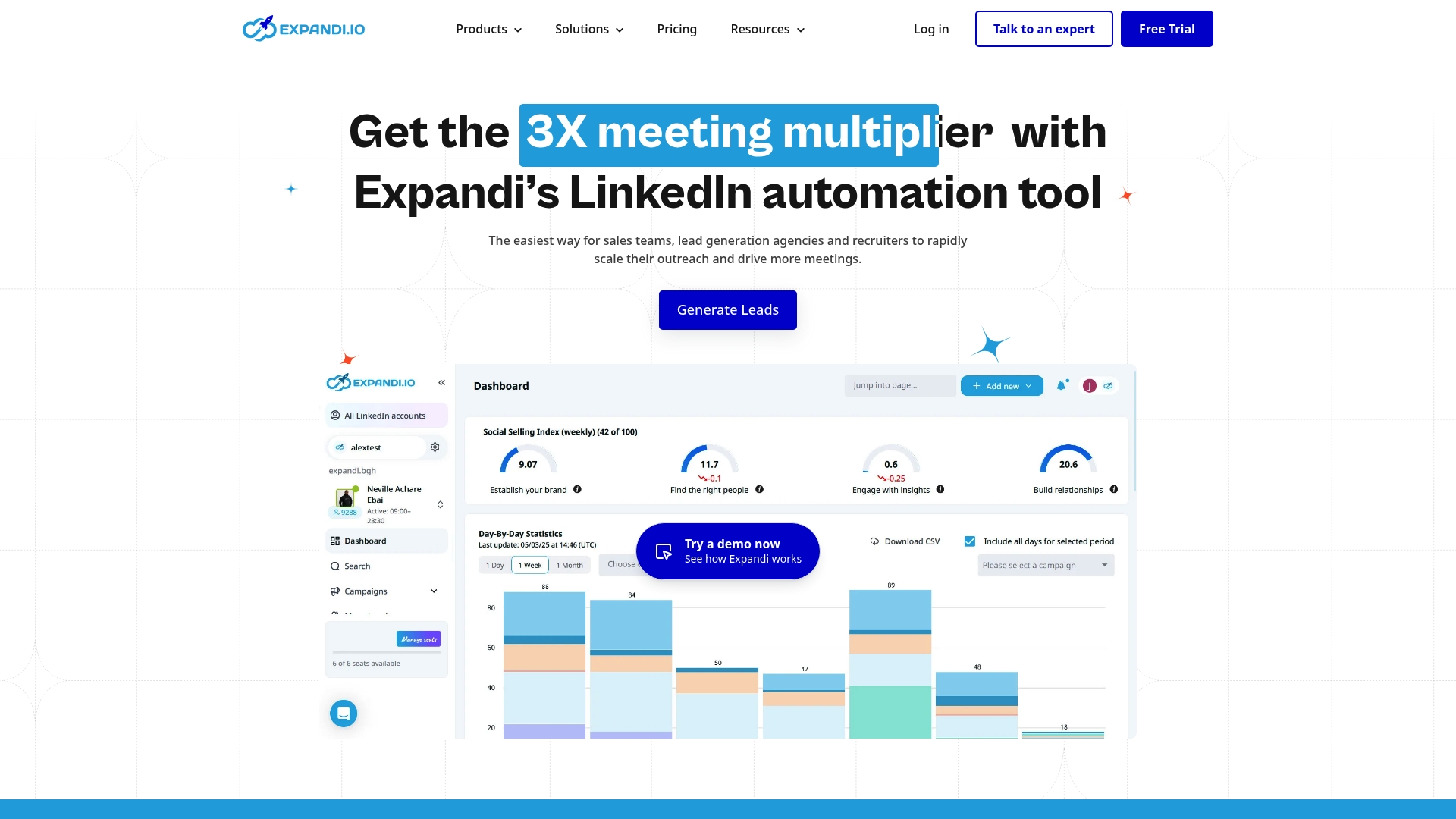
Expandi's marketing materials state a mid-market agency signed contracts exceeding $1 million after using its outreach automation. The platform pairs LinkedIn automation with email and InMail outreach and adds dedicated IP warm up plus account limit management. It targets sales teams, recruiters, and agencies that need multiple account management and white label options.
Core Features
The product provides multichannel outreach across LinkedIn, email, and InMail along with audience filtering and scraping tools. A smart campaign builder offers visual flow design with conditional actions and split testing for messages. Built-in analytics track SSI and reply rates, and role and permission management supports multiuser teams.
Key Differentiator
Expandi presents itself as an all in one cloud platform that merges LinkedIn automation, multichannel outreach, campaign testing, and campaign analytics. The emphasis on account safety features such as IP warm up and request limit controls aims to let agencies scale across many accounts while reducing direct profile risk.
Pros
The platform saves time by automating connection requests and follow ups while letting teams reuse templates and sequences. Responsive support and dedicated agency support help agencies set up white label accounts and manage multiple client profiles. Campaign reporting and split testing give clear signals about which messages produce replies.
Cons
-
There is a real risk of LinkedIn account restrictions if limits are exceeded or best practices are ignored. Users must actively monitor account health.
-
New users face a steep learning curve. The campaign builder has many options that require practice to use well.
-
The interface can feel confusing for people used to simpler outreach tools. Some flows and labels are hard to find.
-
Pricing sits higher than some competitors, making the platform less attractive for very small teams on tight budgets.
When It May Not Fit
If your team will not accept any chance of profile restriction, this tool may be a poor match. Solo operators with minimal budget may find the entry cost high. Teams without someone able to build and test automated flows will struggle with the learning curve.
Notable Integrations
- CRM systems via webhooks
- Email providers for multichannel sequences
- Generic webhooks for third party tools and automation
Who It's For
Sales teams, lead generation agencies, recruiters, and small to medium sized businesses that want to run scaled outreach campaigns fit this product. Agencies needing white label options and multi account management will find the platform useful. Teams that plan structured testing and reporting gain the most value.
Real World Use Case
A mid market agency used Expandi to automate personalized LinkedIn and email sequences and to test message variations across client accounts. That result drove higher reply rates and larger contracts for the agency. The example shows how scaled, tested outreach can convert into sizable deals.
Pricing
Plans start at $99/month with an annual plan offering a 20% discount. The vendor also offers enterprise and white label options with custom pricing for agencies and large teams.
Website: https://expandi.io
Dux-Soup
At a Glance
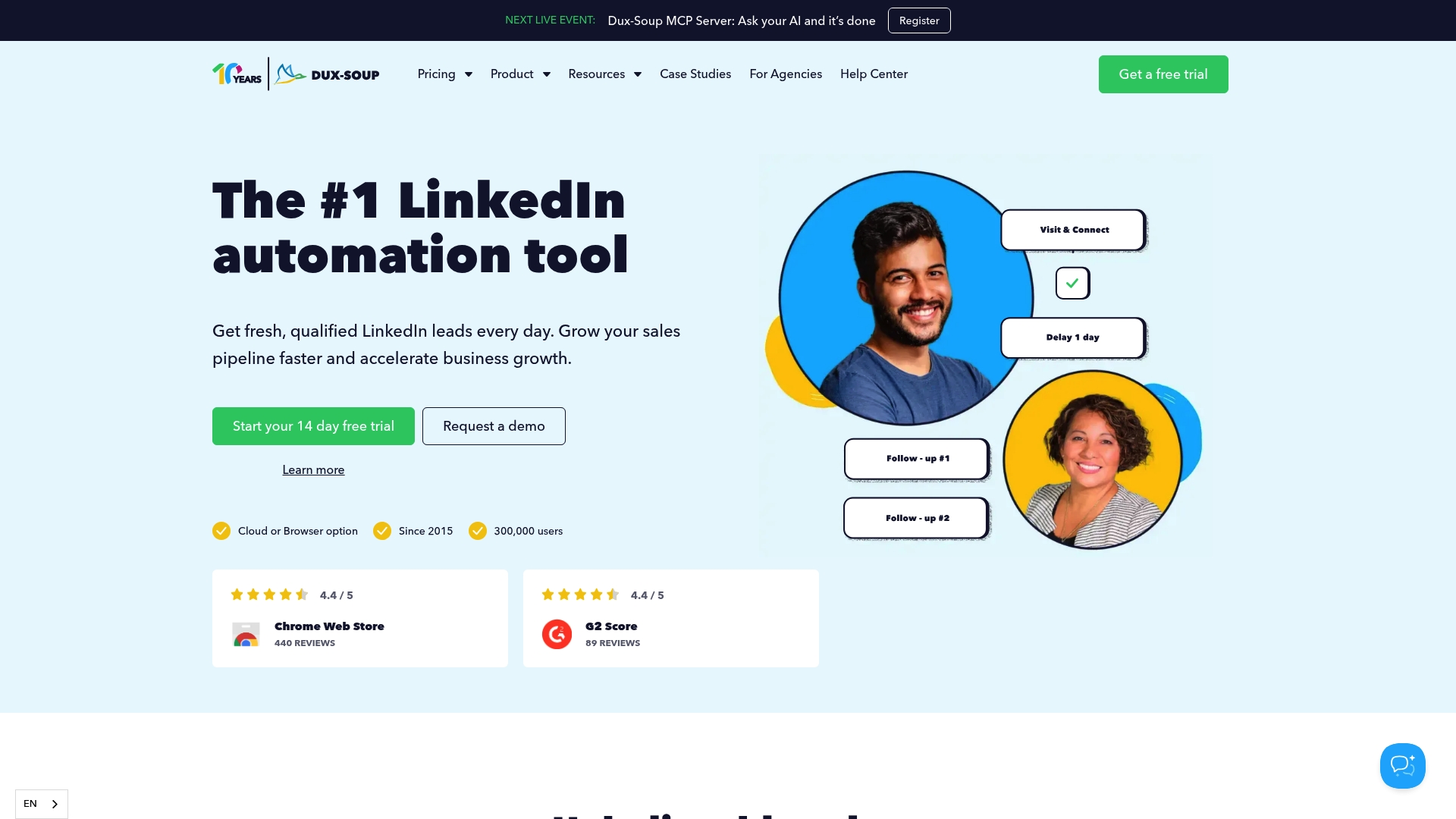
Dux-Soup reports over 300,000 users worldwide. The tool has operated since 2015 and supports both cloud based and desktop deployment. It positions itself for outreach scale while maintaining LinkedIn safety practices.
Core Features
Dux-Soup automates LinkedIn campaigns with customizable workflows and personalized connection requests and messages. It includes lead generation and management tools and syncs activity with CRMs and workflow platforms. The product also offers AI powered message personalization that crafts unique messages sent automatically.
Key Differentiator
The standout element is the AI powered messaging that creates individually crafted messages and sends them automatically, paired with broad CRM and workflow integrations. That pairing aims to reduce manual personalization while keeping messages specific. It suits teams that want automated personalization tied directly into their sales systems.
Pros
Dux-Soup is a long standing automation solution with a track record for reliable outreach at scale. The company advertises accessible, helpful support and competitive pricing across individual, team, and agency plans. Strong CRM and workflow connections make it straightforward to push leads into Salesforce, HubSpot, or other systems and keep follow up in one place.
Cons
- The user interface feels outdated and can be sluggish during heavy use.
- Page loading delays and occasional performance hiccups disrupt campaign setup.
- Campaign messaging becomes harder to modify once a campaign is running.
- Users report occasional technical bugs and difficulties with refunds or billing.
When It May Not Fit
If you need a modern, highly polished interface the dated UI may be frustrating. Teams that require extensive on the fly campaign edits will find campaign flexibility limited. Buyers who want enterprise level billing responsiveness may prefer a vendor with faster refund or billing support.
Notable Integrations
Dux-Soup connects to major CRM and workflow platforms. Notable connections include Salesforce, HubSpot, and Pipedrive. It also integrates with Slack, Microsoft Teams, Zapier, Make, and Freshsales to automate handoffs and notifications.
Who It's For
This tool fits sales and marketing professionals, growth hackers, and agencies that need responsible LinkedIn automation. You should already use a CRM and want to sync outreach into that system. Teams with moderate technical comfort will get the most value from its integrations.
Real World Use Case
A marketing agency uses Dux-Soup to automate outreach lists and send personalized messages at scale. Messages are tailored automatically and leads flow into the agency CRM for nurture. That setup reduces manual messaging while preserving a personal tone in outreach.
Pricing
Pricing varies by plan for Individuals, Teams, and Agencies with monthly and annual options. Specific plan details and per seat costs are listed on the vendor website. Contact Dux-Soup for quotes tailored to team size and deployment choice.
Website: https://dux-soup.com
Meet Alfred
At a Glance
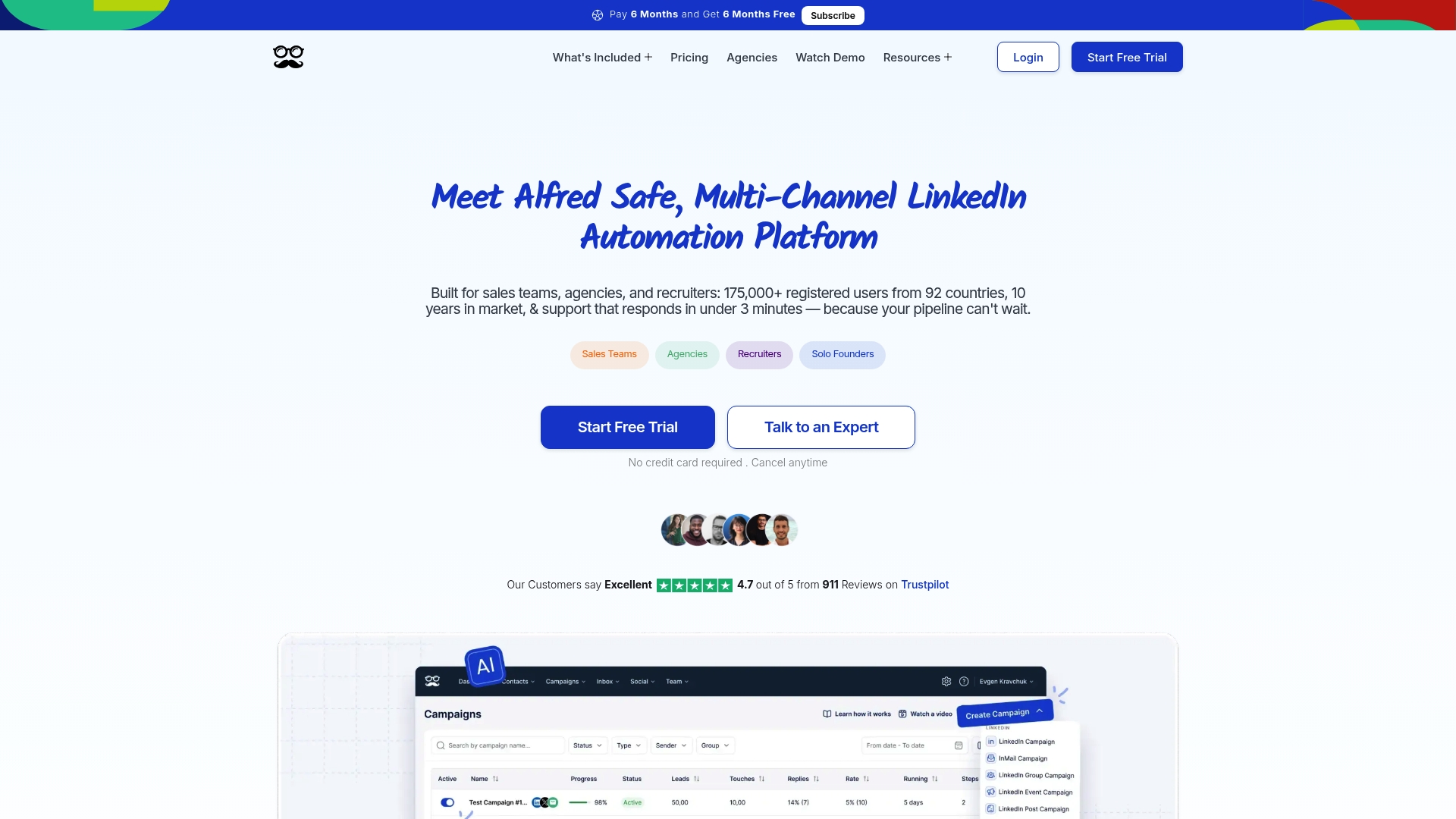
Meet Alfred's marketing materials state it serves 175,000 users across 92 countries. That longevity signals a mature product aimed at teams and agencies rather than solo operators. The platform emphasizes multi-channel outreach with LinkedIn, email, and Twitter support and a decade of market presence.
Core Features
Meet Alfred combines LinkedIn lead generation automation with email outreach and Twitter sequencing, and it adds an AI-powered lead finder. The product runs multichannel sequences that let teams send coordinated messages across platforms while tracking replies. It also includes CRM-style campaign tracking and team collaboration tools.
Key Differentiator
Meet Alfred targets professional teams with built-in collaboration, white-label options, and cloud infrastructure designed for high-volume outreach. The platform focuses on multi-channel sequences plus AI personalization and enterprise-grade security. That combination makes it a better fit for agencies and sales teams than Echoza, which concentrates on comment-based LinkedIn visibility.
Pros
The interface reads as approachable for day to day campaign setup, and it supports LinkedIn, email, and Twitter in one workflow. Team features like shared inboxes and white-labeling help agencies manage client work together. The vendor highlights cloud infrastructure and data protection to support large campaigns and enterprise controls. AI-assisted lead finding and multichannel sequences reduce manual follow up and keep outreach consistent.
Cons
- Frequent technical bugs reported by users. Platform instability after updates can interrupt campaigns.
- Slow or unreliable customer support response for some customers. Cancelling subscriptions or getting refunds has been difficult for certain users.
- Lower-tier plans limit advanced features. Teams may need Pro or team tiers for full functionality.
- Polarized user sentiment can make vendor research harder for procurement teams.
When It May Not Fit
If you run single-person outreach or rely only on comment-based engagement, Meet Alfred may feel heavyweight. Organizations that need flawless uptime during time-sensitive campaigns should consider its reported instability. Teams without dedicated onboarding resources can struggle with advanced features and customization.
Notable Integrations
- Twitter (X)
- Email providers
- Zapier
- Webhooks
Who It's For
Sales teams, recruiters, and agencies that run coordinated outreach across LinkedIn, email, and Twitter will get the most value. Teams that need white-label client work and shared campaign control will appreciate the collaboration features. Organizations focused solely on LinkedIn comment placement will find Echoza a narrower alternative.
Real World Use Case
A multinational sales team uses Meet Alfred to run synchronized outreach. They import prospects, build sequences that combine LinkedIn messages and email follow ups, and route replies into shared inboxes. Team managers monitor performance and reassign leads to reps in real time.
Pricing
Plans start at $29 USD per user per month for the basic plan when billed annually. Pro and team tiers add advanced features, higher limits, and dedicated support. The vendor advertises discounts for annual billing and bundle packages.
Website: https://meetalfred.com
DealsFlow
At a Glance
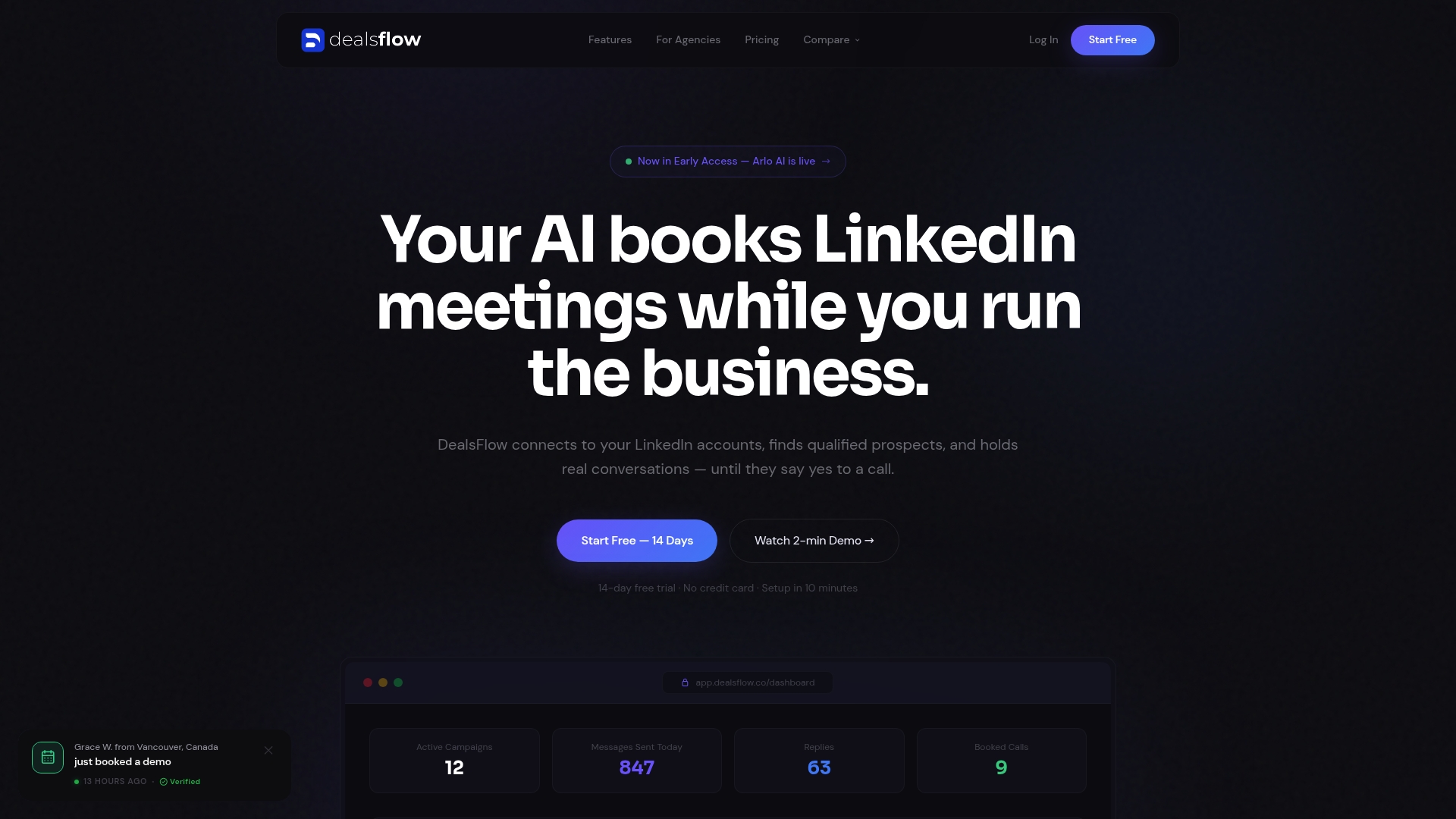
DealsFlow reports support for up to 50 LinkedIn accounts from a single dashboard. According to the company, its AI reads replies, handles objections, and books meetings automatically. The product includes a free trial with no credit card required and targets agencies and teams running serious outreach campaigns.
Core Features
DealsFlow connects multiple LinkedIn accounts to one dashboard and provides a campaign builder plus a prospect CRM with AI warmth scoring. Its AI engine manages full conversations after the initial reply and records analytics from connection request to booked call. The platform also adds team management and custom workflows for agency use.
Key Differentiator
The standout is full conversation management across multiple accounts. That capability combines automated objection handling and meeting booking with tools for agency workflows. Unlike Echoza, which focuses on comment placement, this product focuses on end to end message automation and account scale.
Pros
DealsFlow reports an AI that continues conversations after the first reply, freeing staff from manual follow up. That account limit supports agencies that need centralized control across many client profiles. The platform collects funnel analytics and provides exportable data to measure outreach from request to booked call. Safety measures aim to minimize LinkedIn account bans while campaigns run at scale.
Cons
- Limited independent validation. Public third party reviews and user testimonials are scarce, so proof points are thin.
- Sparse user feedback. Prospective buyers must lean on a trial to judge deliverability and reply quality.
- Buyer due diligence required. The vendor claim about safety and ban avoidance needs verification in live campaigns.
When It May Not Fit
If your procurement process requires independent case studies or third party reviews, this product may not satisfy that requirement. If you need a broad list of native integrations or prebuilt connectors, note that no integrations are listed. Small teams that do not need multi account management will find parts of the platform more than they require.
Who It's For
Serious LinkedIn outreach teams and agencies that manage many client accounts will get the most value. Founders running outreach at scale who want the AI to handle follow up and booking should evaluate the trial. Organizations that require external validation should weigh that requirement first.
Real World Use Case
A marketing agency running outreach for more than 20 clients can centralize campaigns on a single dashboard, let the AI handle objections, and accept meetings without manual follow up. That setup reduces staff time on replies and consolidates analytics for client reporting.
Pricing
DealsFlow offers a free pilot with no credit card required. Paid tiers start at $49/month, scale to $129/month, and extend to $299/month, depending on account and team needs.
Website: https://dealsflow.co
Comparison of alternatives
Echoza, along with alternatives Expandi, Dux-Soup, Meet Alfred, and DealsFlow, offer distinct approaches to LinkedIn outreach. Here, we assess their respective strengths and weaknesses.
Strength in Focused Engagement
Echoza excels in automating LinkedIn comment engagement. Its unique algorithm prioritizes high-reach discussions, providing a targeted method to increase visibility and client outreach. Furthermore, its manual approval system ensures alignment with user intent, setting it apart from the competitors’ automation that encompasses broader outreach features.
Dimensions of Multichannel Communication
Expandi and Meet Alfred both offer multichannel capabilities, including integration with email workflows, CRM systems, and other platforms. Expandi extends personalization to account protection through IP warming mechanisms, while Meet Alfred employs detailed lead tracking across LinkedIn and Twitter. These expand outreach processes but require expertise in handling complex workflows, unlike Echoza’s streamlined focus.
Best fit
- Echoza supports consultants seeking increased visibility within LinkedIn discussions without composing extensive posts.
- Expandi serves mid-sized agencies needing tested outreach automation with integrated multichannel support.
- Dux-Soup aligns with teams that desire automated message personalization structured into existing CRM workflows.
- Meet Alfred fits agencies orchestrating cross-platform campaigns that demand collaborative environments.
- DealsFlow works for outreach management involving high account volumes centralizing analytics usage.
Our pick
Echoza emerges as the choice for professionals prioritizing LinkedIn comment-based engagement with minimal operational effort. Its post prioritization feature, paired with user-controlled content quality workflows, fosters meaningful discussions organically. That said, agencies aiming for expansive, cross-platform outreach coverage should explore competitors like Expandi and Meet Alfred to assess broader applicability.
The following comparison table helps to identify the best LinkedIn lead generation tool for your needs, focusing on automation, outreach scalability, and user personalization.
| Product | Core Features | Best For | Pricing | Limitation |
|---|---|---|---|---|
| Echoza | Comment drafting, manual approval | Solo consultants seeking visibility | Price not published | Limited to LinkedIn comments |
| Expandi | Multichannel outreach, analytics | Agencies needing multi-account support | Starts at $99/month | Steep learning curve |
| Dux-Soup | Campaign workflows, AI personalization | Teams integrating with CRMs | Price not published | Outdated user interface |
| Meet Alfred | Multichannel sequences, team tools | Teams running coordinated outreach | Starts at $29/user/month | Reports of instability |
| DealsFlow | AI-based conversation management | Agencies managing many accounts | Starts at $49/month | Sparse public validation |
Which LinkedIn Lead Generation Tool Matches Your Engagement Goals?
Echoza solves the challenge many solo professionals, consultants, and marketing teams face: gaining profile visibility without the burden of writing constant posts. By drafting comments that imitate your voice, Echoza helps you place yourself inside conversations that already attract large audiences on LinkedIn. This targeted, approval-based approach saves time while increasing meaningful client outreach and profile views.
Echoza’s distinctive focus on comment placement saves writing effort and keeps your engagement personal. Find out how Echoza supports your goals for quick, visible participation in high-reach discussions and client connections. Visit Echoza to see how you can approve comment drafts tailored to your style and boost your profile presence with less effort.
FAQ
What features make Echoza ideal for LinkedIn comment automation?
Echoza generates personalized comment drafts that mimic your voice. It uses a voice model trained on your previous posts and routes each draft through a manual approval process. This focus allows users to maintain a personal touch while automating routine engagement.
How does Echoza compare to Expandi for LinkedIn lead generation?
Expandi is known for its multichannel outreach that combines LinkedIn, email, and InMail, alongside audience filtering tools. Echoza, on the other hand, specializes in LinkedIn comment automation, allowing users to join high-reach discussions effectively and with a personal touch.
Can I use Echoza for LinkedIn outreach if I have multiple accounts?
Echoza is primarily designed for enhancing personal engagement through comment automation on LinkedIn rather than managing multiple accounts. Users should consider this if their strategy requires support for multiple profiles, as other platforms may offer broader capabilities for that need.
What safety measures does Echoza have to protect LinkedIn accounts?
Echoza employs multiple safety controls to throttle activity and reduce repetitive actions. This approach decreases the risk of LinkedIn restrictions, making it safer for users to engage actively in comment sections without fearing account bans.
What automated features does Echoza provide for managing comments?
Echoza automates the drafting of comments and sends them on a drip schedule to mimic human timing. This seamless process allows users to focus more on the approval of messages rather than crafting each one individually, enhancing engagement efficiency.