

Managing LinkedIn comment outreach at scale while sounding authentic and keeping time investment low is inefficient with manual effort. Most tools either require too much daily oversight or lack controls for team collaboration and comment personalization. This list compares key features, pricing, and approval workflows across six LinkedIn comment automation tools so sales teams, agencies, and recruiters can choose the best fit for their campaigns.
Table of Contents
Echoza
At a Glance
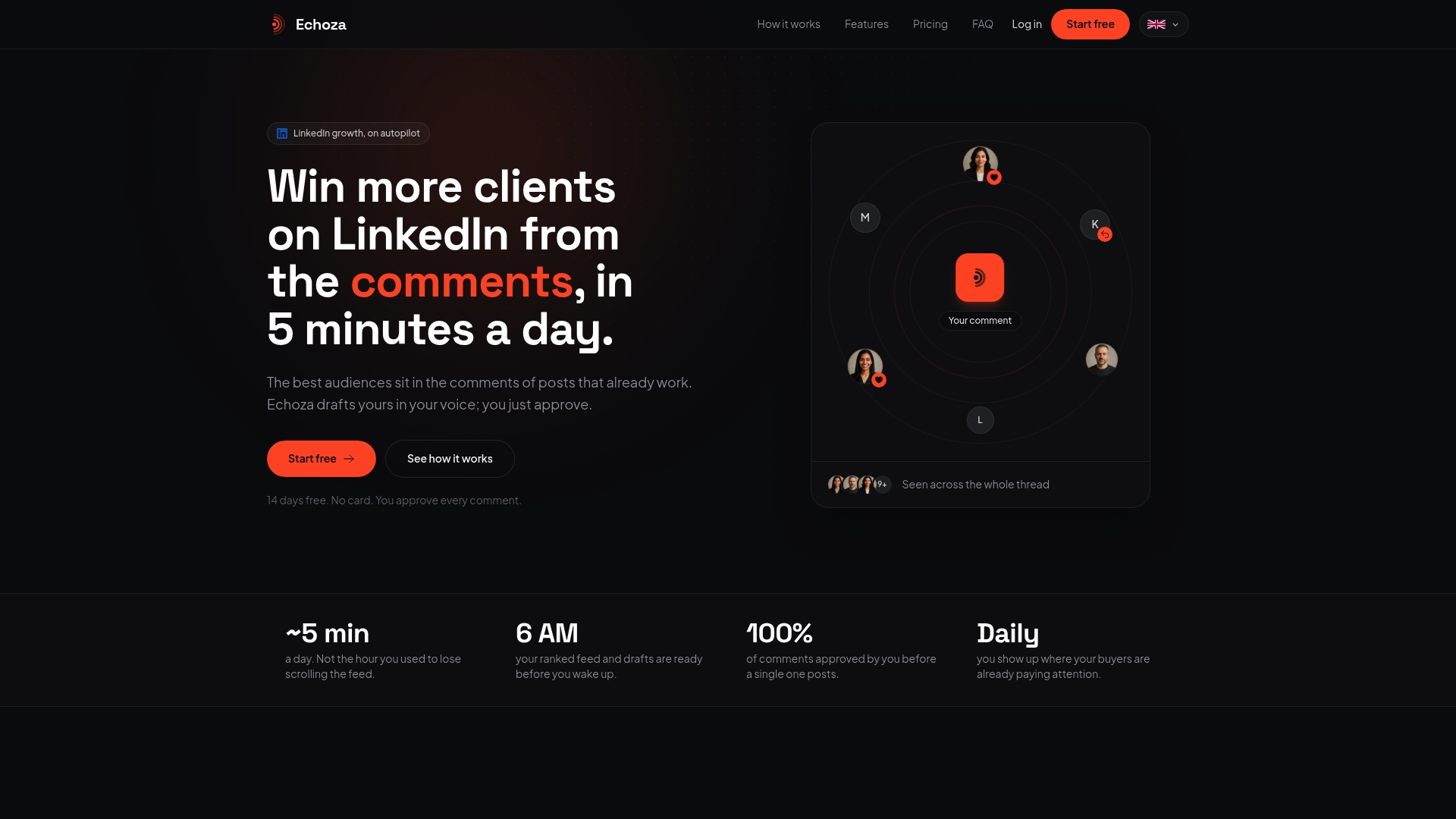
Echoza ranks high-engagement LinkedIn posts into a morning review and drafts comments in your voice for approval. The system schedules approved comments across your working hours to appear human. The workflow reduces the time you spend on outreach while keeping each comment on brand.
Core Features
Echoza pulls top LinkedIn discussions into a prioritized morning feed, and generates comment drafts that match your chosen tones and styles. You approve or edit each comment, then the platform schedules them to post during your workday so timing looks natural. It also supports multiple LinkedIn accounts and team management for agency workflows.
Key Differentiator
Echoza focuses on user-approved commenting by matching comment drafts to high-engagement posts and your trained voice. That approval layer and the morning feed ranking aim to keep automation visible and deliberate. The combination preserves personal tone while compressing prospecting work into a few focused steps.
Pros
According to the company, users report increased profile views and client outreach. The approval queue and activity caps reduce blunt automation risk and keep moderators in control. Custom voice tones let members sound consistent across comments, which matters more than generic replies. Team support for multiple accounts makes the tool usable by agencies and HR teams without sharing credentials. The free trial lets you test the workflow before committing.
Cons
- Requires ongoing user approval for comments, so it is not fully autonomous and adds daily review work.
Who It's For
Solo professionals who want regular LinkedIn presence without writing posts each day will get the most benefit. Small marketing teams and agencies can use the multi account and team features to coordinate outreach. HR teams aiming to increase employer branding can delegate comment drafting while retaining final approval.
Unique Value Proposition
Morning feed ranking plus an approval queue means you spend minutes approving high-impact comments instead of hours creating content. That pattern shifts cold outreach into public conversations where your profile naturally appears. Agencies save time because members can draft in a shared voice and schedule across multiple accounts while keeping compliance and oversight.
Real World Use Case
According to the company, a content creator used Echoza to leave personalized, approved comments on trending posts and reported doubling profile visits while gaining new clients. The creator trained a consistent voice, reviewed the morning queue for two minutes, and let scheduled comments run through the workday. That approach put the creator inside conversations that led directly to outreach.
Website: https://echoza.app
Expandi
At a Glance
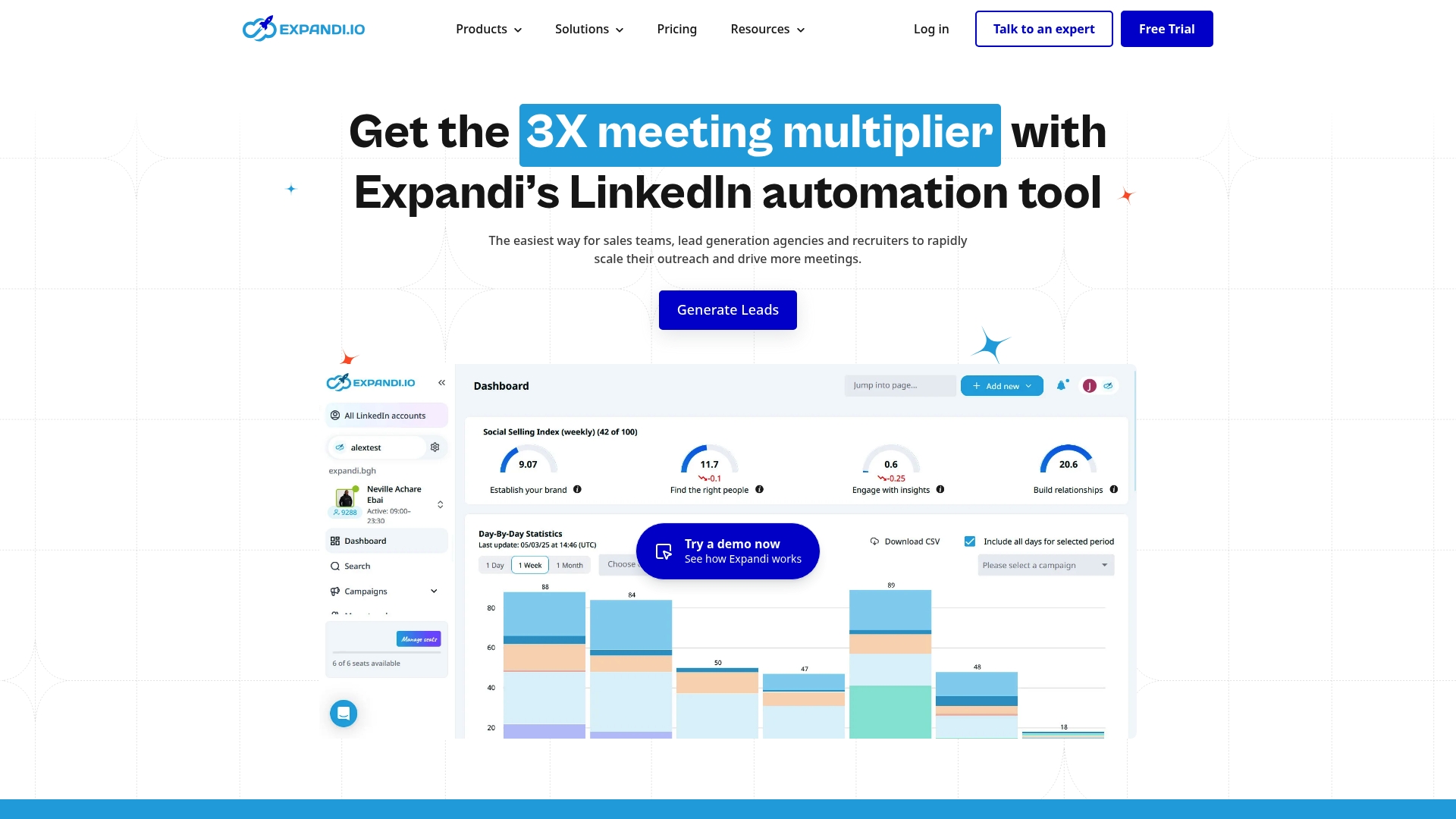
A listed starting price of €99 per month per account makes Expandi accessible to agencies that run multiple client accounts. The platform advertises white label options and account safety rules that limit connection and message volume. Those two features target resellers and teams that need controlled scaling for LinkedIn outreach.
Core Features
Expandi combines multi channel outreach with personalized messaging that can include video and GIF content, and it adapts sequences to recipient behavior. The product includes analytics and detailed campaign reporting, plus role and permission management for team workflows and A B testing of campaign variations. Webhook and CRM integrations plus white labeling support agency operations and multiple client management.
Key Differentiator
Expandi centers its offer on account safety while supporting outreach across channels and team controls, a mix aimed at agencies and sales teams. The safety element comes through recommended limits on connections and messages to reduce LinkedIn risk. That combination makes it better suited to organized outbound programs than to comment first visibility tools like Echoza.
Pros
Expandi delivers effective multi channel outreach and message personalization, which helps teams reach prospects by email and LinkedIn in the same campaign. Team workflows and role controls make it practical for agencies managing several client accounts at once. The platform emphasizes account safety with recommended limits, and its analytics and reporting support campaign refinement.
Cons
- There is a learning curve to unlock the platform's more advanced features and workflows. Users report time is needed to set up effective sequences.
- Pricing may be high for very small teams or individual users, especially where several accounts are required. Annual billing discounts are available but not always sufficient.
- Campaign results depend strongly on how messages and sequences are written and targeted. Poor setup reduces outreach effectiveness.
When It May Not Fit
Expandi may not fit if you need a light tool for occasional prospecting rather than full campaigns. Very small teams or solo users will likely find the per account cost difficult to justify. If your goal is comment based visibility instead of outbound sequences, a comment automation tool will be a closer match.
Who It's For
Sales teams, marketing agencies, recruiters, and small business owners who run structured outreach campaigns will get the most value. Agencies that need white label options and separate client workspaces benefit from the role management features. Teams that prefer hands on campaign design and testing will also find Expandi appropriate.
Real World Use Case
A marketing agency uses Expandi to run LinkedIn and email outreach for multiple clients at once. The agency personalizes messages, splits test variations, and tracks engagement in the campaign reports. Role controls let account managers work without exposing other clients' data.
Pricing
The vendor lists €99 per month per account as the entry price, with discounts for multiple accounts and annual billing. White label and reseller options are available as part of agency plans.
Website: https://expandi.io
Closely
At a Glance
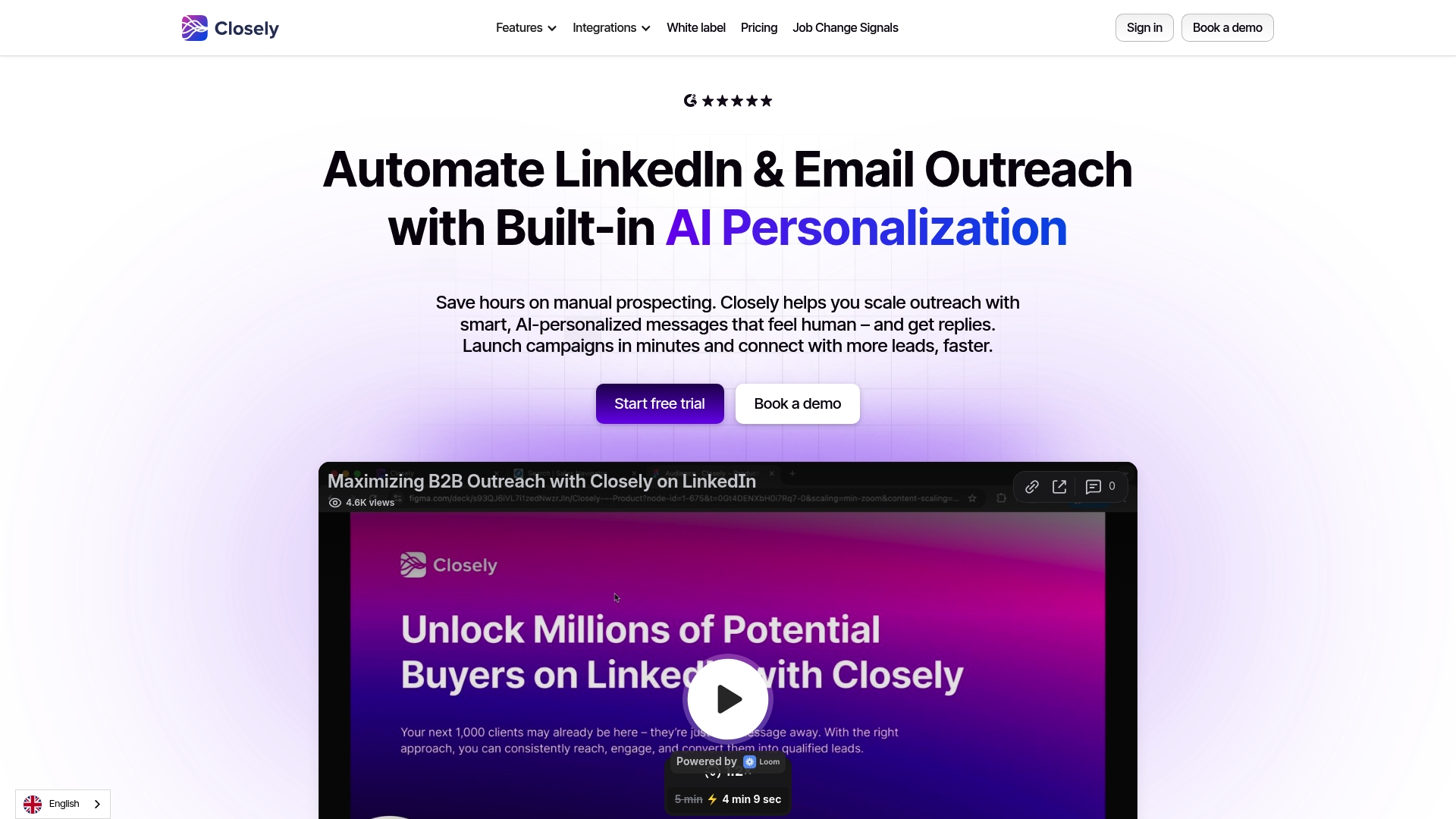
The vendor reports a 35% lift in response rates and claims each team member saved 10 hours weekly when running agency LinkedIn and email campaigns. That case highlights Closely's focus on AI powered outreach and multichannel sequencing. The platform pairs campaign automation with CRM syncing and reporting for teams that need measurable prospecting output.
Core Features
Closely combines LinkedIn automation, AI powered personalized messaging, and multichannel campaign orchestration across LinkedIn and email. It includes contact and lead enrichment, team collaboration tools, and engagement analytics that feed back into campaign adjustments. CRM syncing supports Salesforce, HubSpot, Pipedrive, and GoHighLevel so outreach activity maps to your pipeline.
Key Differentiator
Closely's standout feature is AI driven personalization that scales outreach while keeping messages conversational and varied. That approach aims to reduce repetitive outreach and keep replies higher compared with templated sequences. Teams can tune personalization rules and scoring to match a brand voice.
Pros
Closely is easy to use, so non technical sales reps can launch campaigns without steep training. Multichannel automation saves time by running LinkedIn and email sequences together and syncing actions to CRM records. The platform supports white label options for agencies and deep CRM integrations for teams that want to keep pipeline data centralized.
Cons
- Pricing can be expensive for smaller teams or solo operators, especially once add ons are included.
- Advanced features have a learning curve and some reviewers reported onboarding friction.
- Full automation scope may require technical setup and CRM integration knowledge to run reliably.
When It May Not Fit
Closely may not suit a solo seller on a tight budget. Small teams with no one available to manage integrations could struggle to get reliable syncs. Organizations that need a plug and play tool without any technical setup should consider simpler alternatives.
Notable Integrations
- Salesforce
- HubSpot
- Pipedrive
- GoHighLevel
Who It's For
Sales professionals, marketing agencies, recruiters, and small business owners who need AI powered, multichannel outreach and CRM synchronization will get the most value. Agencies that white label outreach for clients benefit from branding options and team controls. Recruiters who need to automate sourcing across LinkedIn and email will find the workflow familiar.
Real World Use Case
An agency used Closely for client outreach across LinkedIn and email and reported the 35% response lift and the 10 hour weekly time saving above. That response figure and the time saving claim come from vendor materials and illustrate how an integrated campaign reduces manual prospecting. Teams used the CRM integrations to move leads directly into existing sales workflows.
Pricing
The vendor lists starter plans from $29/month and states custom enterprise plans at $350/month or more. Discounts are sometimes available during promotional periods, and enterprise pricing adapts to volume and white label needs.
Website: https://closelyhq.com
Meet Alfred
At a Glance
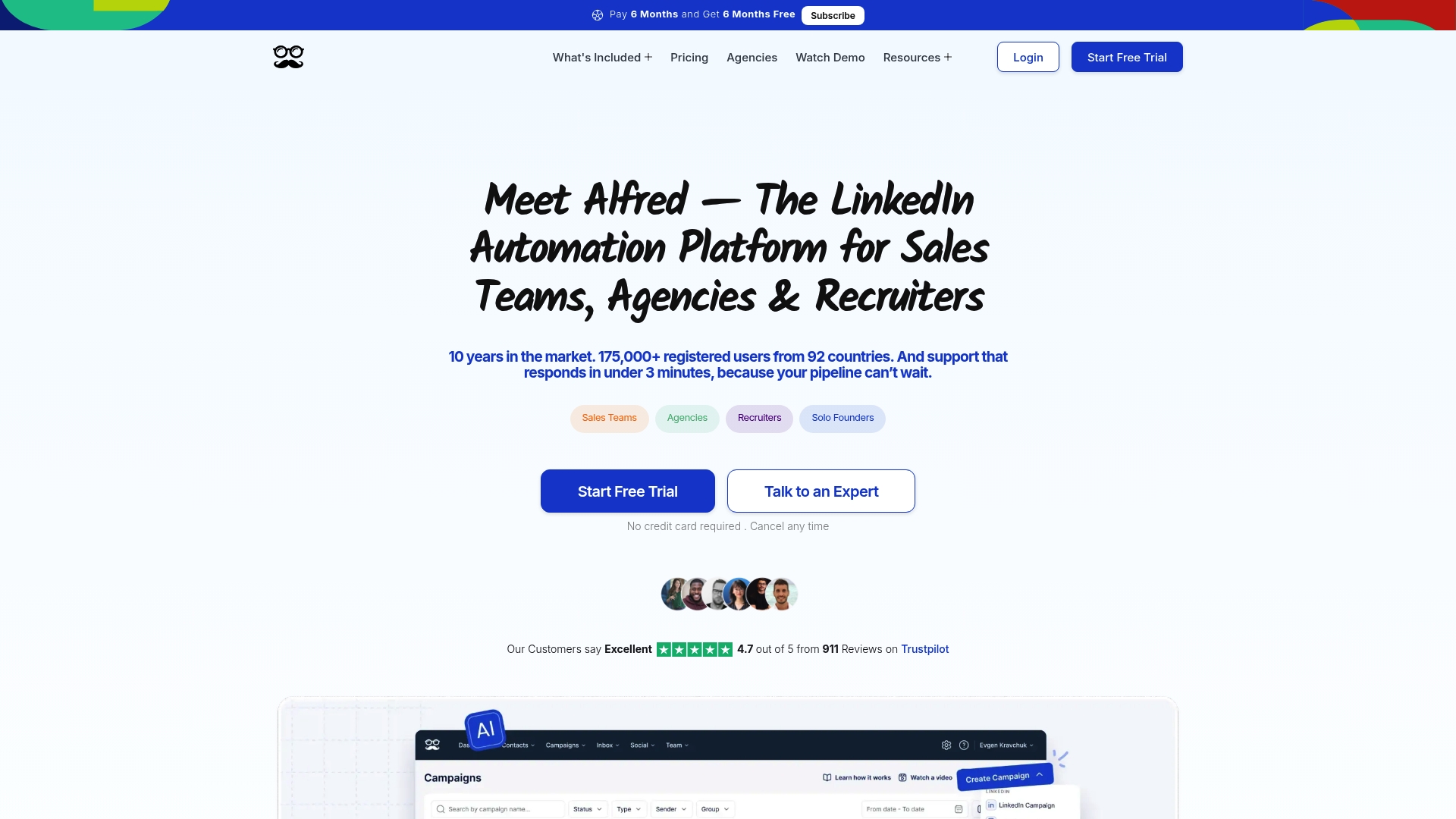
Meet Alfred reports more than 175,000 users and a decade of market presence. The platform targets teams, agencies, and recruiters running multi channel outreach across LinkedIn, email, and Twitter. That scale links to its emphasis on team features and enterprise grade security.
Core Features
Meet Alfred centralizes LinkedIn lead generation and sequence automation while adding email and Twitter outreach in the same workflow. It includes a lead finder, CRM-style lead management, message templating, and support for importing custom fields to target campaigns. Team collaboration features help managers assign and track outreach across multiple operators.
Key Differentiator
The platform is built for team based, multi channel outreach with enterprise style support and security. Its design focuses on managing shared campaigns across users, agencies, and recruiters. That orientation separates it from single user LinkedIn tools.
Pros
Meet Alfred scales outreach across several channels while keeping messages personalized through templating and custom fields. Teams benefit from shared inboxes, activity reporting, and white label options for agencies. Enterprise customers receive rapid support and dedicated account managers, which helps crews maintain continuous campaigns and recover quickly from configuration issues.
Cons
- Primarily suited for teams; solo operators will find many features unnecessary and complex.
- Pricing may be high for individuals or very small teams compared with single seat tools.
- Free tier details are limited, so trial access and exact free features are not clearly listed.
When It May Not Fit
If you run outreach alone, the tool will feel oversized and its team workflows will add friction. Small teams or solo consultants with tight budgets will likely find the pricing structure prohibitive. Agencies and recruiters running many concurrent client campaigns will get more value from the feature set.
Notable Integrations
Meet Alfred integrates with LinkedIn, Twitter (X), email providers, Facebook, Instagram, Zapier, and Webhooks. Those connections let you trigger sequences from multiple sources and push data into other automation or reporting tools. Zapier and Webhooks expand integration choices beyond the built in connectors.
Who It's For
Sales and marketing teams, recruitment agencies, and agency owners running large scale outreach campaigns will gain the most from Meet Alfred. The product suits groups that need shared campaign control, centralized CRM features, and support for multi channel sequences. Solo freelancers and tiny teams are a weaker fit.
Real World Use Case
A recruitment agency automates candidate outreach by sequencing LinkedIn messages, follow up emails, and social nudges. The team tracks replies in a central CRM and assigns next steps to specific recruiters. That workflow reduces manual follow up and keeps client campaigns visible to managers.
Pricing
Monthly plans start at $29 for basic, $49 for pro, plus team options listed at $39 when billed annually with discounts for yearly billing. Most plans are paid subscriptions and the vendor lists discounts for annual commitments. Exact plan features by tier are available on the vendor site.
Website: https://meetalfred.com
Waalaxy
At a Glance
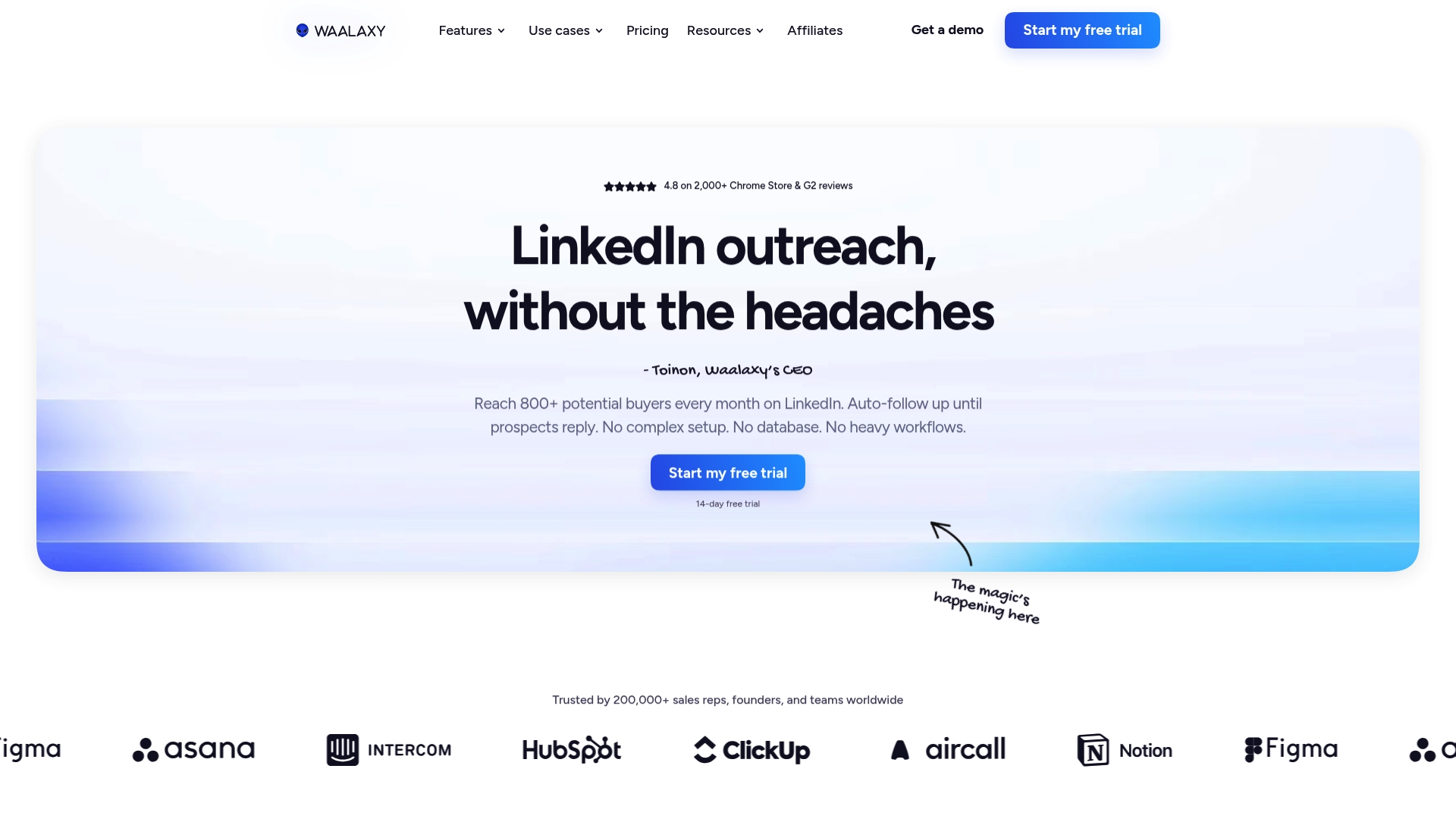
Waalaxy reports more than 200,000 users worldwide. The product combines LinkedIn and email outreach, so teams can find prospects, send personalized sequences, and follow up automatically. It also integrates with CRMs and provides a shared inbox for managing replies.
Core Features
Waalaxy finds prospects on LinkedIn using live search and builds prospect lists from profiles, posts, groups, or imports. The platform sends automated, personalized outreach messages and follow-ups while collecting replies in a dedicated inbox that helps close deals. CRM integration and data export let teams sync leads to HubSpot or Pipedrive and keep records in one place.
Key Differentiator
The standout feature is real-time prospect search on LinkedIn combined with campaign automation and CRM connectivity. That mix lets teams target live signals on LinkedIn and move responses into an organized sales workflow. The approach shortens the time between discovery and qualified conversation.
Pros
Setup and onboarding are straightforward, which helps teams get campaigns running fast. Multichannel outreach combines LinkedIn messaging with email sequences so you can reach prospects in two places without juggling separate tools. Waalaxy supports team collaboration, shared lists, and CRM syncing, which keeps sales and marketing aligned. Waalaxy's marketing materials state a 4.8-star rating on the Chrome Store, reflecting strong user satisfaction according to the vendor.
Cons
- Automation carries LinkedIn account risk and requires manual oversight to keep messaging appropriate and compliant.
- The platform may be overkill for very small teams or solo users with minimal outreach volume.
- Pricing could be a hurdle for organizations that only need basic contact exports and no multi-channel automation.
When It May Not Fit
If your priority is zero-risk automation with rigid compliance controls, this tool might not match that strict requirement because of potential LinkedIn policy exposure. Very small operations that send a few messages per month will likely find the feature set more than they need. If you require on-premise hosting or formal enterprise compliance details, those specifics are not listed.
Notable Integrations
- HubSpot
- Pipedrive
- Make
- Zapier
- n8n
These integrations support CRM syncing, workflow automation, and data routing to other tools.
Who It's For
Sales teams, founders, and marketers who need scalable LinkedIn and email prospecting automation will get the most value. Teams that want shared campaign management and direct CRM synchronization will find the collaboration features useful.
Real World Use Case
A sales team builds targeted lists from LinkedIn searches, launches multi-step outreach sequences, and tracks replies in the shared inbox. The team moves qualified prospects into Pipedrive and schedules meetings without manual copy and paste between tools.
Pricing
Plans start at €19 per user/month for basic access, with higher tiers at €49 and €69 that increase volume and available features. Pricing is per user and scales with the number of team members and campaign capacity.
Website: https://waalaxy.com
Reachy.ai
At a Glance
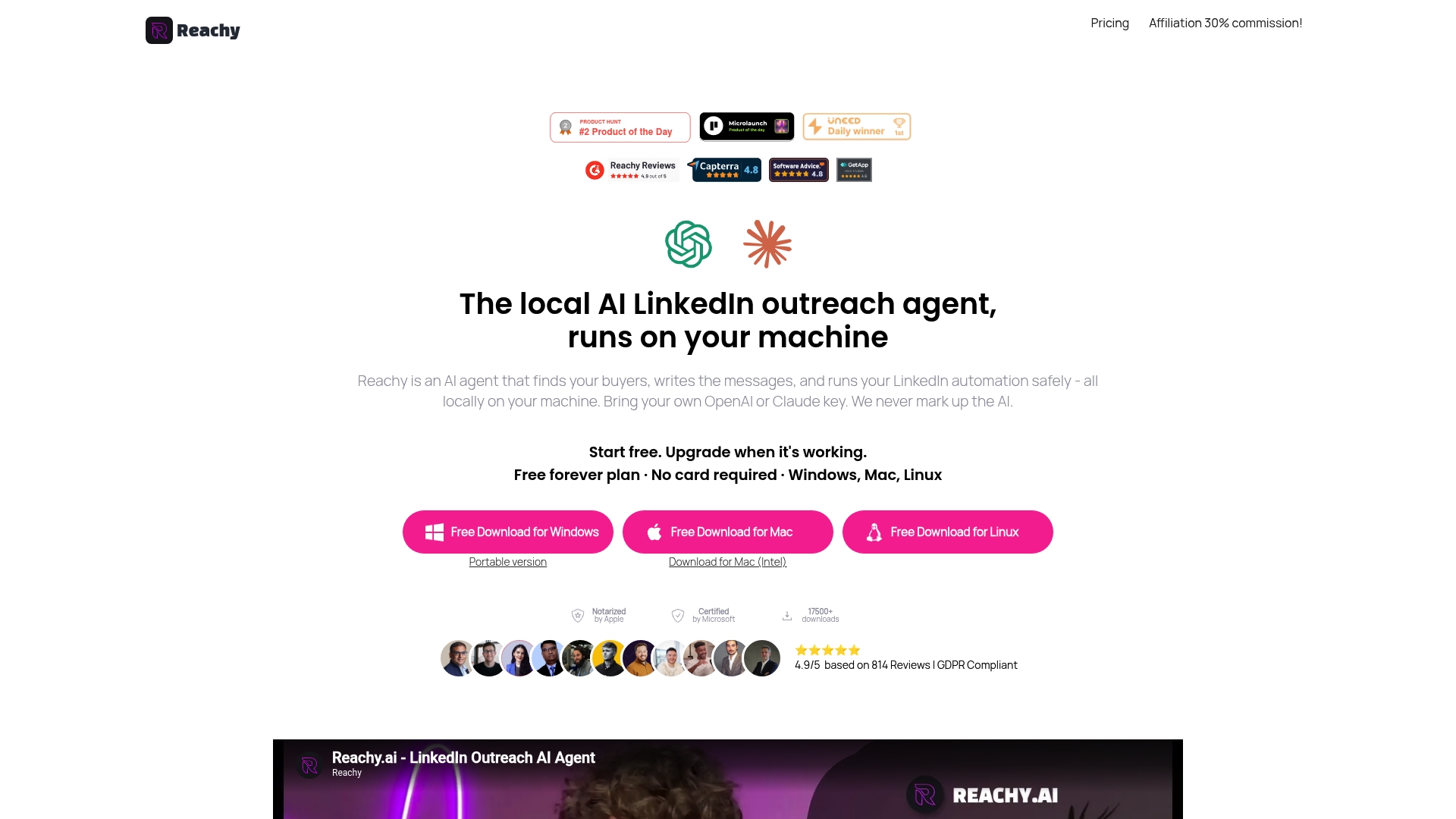
Reachy.ai runs locally in an embedded browser on your machine. The vendor states you supply your own OpenAI or Anthropic Claude API key and the app does not mark up model costs. A free forever plan exists, and paid tiers scale from solo users to agencies.
Core Features
Local operation uses an embedded browser to automate LinkedIn connection requests and messages while keeping data on your machine. You supply an OpenAI or Anthropic Claude API key so Reachy.ai does not mark up model costs. Targeting blends signal based search with demographics refinement for company size, industry, and location.
Key Differentiator
The vendor's marketing materials present local operation as the core differentiator. Keeping automation and data on your device reduces exposure from shared IPs and central logging. That design favors people who prioritize account safety and private data control instead of cloud convenience.
Pros
Running everything locally lowers the chance of LinkedIn action on accounts tied to cloud proxies or shared IP pools. The product pairs AI messaging with GPT-5 and Claude integration to generate personalized outreach at scale. Paid plans include unlimited campaigns and contacts, and the tool supports multi account rotation to scale safely.
Cons
- Setup can be technical for non technical users. Some reviewers note API key configuration and initial campaign setup require familiarity with tooling.
- The product focuses exclusively on LinkedIn outreach. You will need other tools for email, social, or CRM driven omnichannel campaigns.
- The free plan limits contacts and outreach actions. Larger programs require a paid plan to avoid caps.
When It May Not Fit
If you want an omnichannel outbound stack this product will feel narrow. Teams that lack a technical point person may struggle with API keys and campaign configuration. Organizations that need cloud hosted analytics or centralized team management may prefer a different architecture.
Who It's For
Solo founders, freelancers, and small sales teams who know basic API key setup and want private outreach control will benefit most. Agencies running multiple client funnels can use account rotation to scale while keeping data local. Users who prefer cloud dashboards or multi channel orchestration should look elsewhere.
Real World Use Case
A startup founder imports segmented prospect lists, sets message templates, and runs multiple account rotations to reach niche buyers. AI drafts messages tuned to each segment, and the founder approves variants before sending. The result is steady growth in qualified replies without moving prospect data to a cloud service.
Pricing
A free forever plan exists. Paid plans start at $39/month for individuals, with team and agency tiers at $59/month, $129/month, and custom enterprise options.
Website: https://reachy.ai
Comparison of alternatives
Across the field of LinkedIn-focused engagement platforms, significant tradeoffs exist among solutions, each catering to distinct user priorities and operational needs. Identifying the best fit requires understanding these unique differentiators and assessing their alignment with specific LinkedIn engagement goals.
Highlighting engagement workflows
Echoza emphasizes a natural yet efficient prospecting process, leveraging personalized comment drafting and approval. In scenarios requiring multi-channel campaign orchestration beyond LinkedIn, Expandi and Meet Alfred stand out with tools that extend to email and Twitter across diverse user bases.
Automation scope and flexibility
Reachy.ai focuses on data privacy by operating locally, reducing exposure for users concerned about online tracking. Conversely, Waalaxy offers real-time engagement monitoring and CRM integrations, appealing to team-based operations that require synchronized lead management tools.
Best fit
- Solo professionals who seek a balance between maintaining their unique voice and saving time with automated comment drafting will benefit most from Echoza.
- Agencies responsible for managing multi-client LinkedIn engagement programs requiring role management and branding tools should consider Meet Alfred.
- Sales teams aiming for integrated campaigns encompassing LinkedIn, email, and additional communication channels would find Expandi valuable.
- Recruiters needing personalized, multi-account outreach with shared operational visibility may opt for Closely.
Our pick
Echoza optimally balances automation and personal engagement, excelling in scenarios where professionals prioritize personalized yet time-efficient LinkedIn interaction. Individuals or small teams seeking to enhance their LinkedIn visibility without compromising their authentic tone will find Echoza best supports their goals. Conversely, solutions like Expandi or Meet Alfred may suit users requiring broader outreach capabilities or extensive system integrations.
Identify the platform that aligns best with your team's outreach goals and operational needs.
| Product Name | Key Differentiator | Best For | Pricing | Notable Limitation |
|---|---|---|---|---|
| Echoza | Personalized LinkedIn commenting workflow | Solo professionals and small teams | Price not published | Requires daily approval for drafted comments |
| Expandi | Account safety in high-volume outreach | Agencies managing multiple LinkedIn accounts | €99 per account per month | Learning curve for advanced features and sequences setup |
| Closely | AI-driven personalized multichannel outreach | Sales teams leveraging CRM integrations | $29/month for starter plans | Technical setup for syncing CRM and advanced automation |
| Meet Alfred | Multi-channel outreach with enterprise tools | Teams handling large-scale prospecting | Starting at $29/month | Oversized for solo operators; complex for small teams |
| Waalaxy | Real-time LinkedIn prospecting with automation | Marketers and founders | €19/user/month for basic plan | Higher LinkedIn account risk without manual compliance |
| Reachy.ai | Local LinkedIn automation without cloud risks | Individuals aiming for private data control | Free plan; Paid from $39/month | Limited to LinkedIn outreach, requires API key setup |
Struggling to Find Effective Dripify Alternatives?
LinkedIn outreach often means juggling time-consuming content creation and impersonal automation. Echoza solves this by drafting personalized comments that match your voice. It places you in active discussions where your audience already engages. These cuts outreach time while boosting your profile views and client connections.
Echoza keeps control in your hands with an approval queue. Spend just minutes daily selecting comments that fit your style instead of hours crafting posts. If you want a way to maintain authenticity without endless effort, explore how Echoza reshapes LinkedIn engagement. Try it now and approve your first set of comments to see real connections form.
FAQ
How does Echoza help with LinkedIn engagement?
Echoza generates comment drafts that match your chosen tones and styles, increasing engagement on LinkedIn. The platform pulls top LinkedIn discussions into a prioritized morning feed, allowing users to focus on high-impact conversations. You can approve or edit each comment, ensuring your outreach sounds personal and on-brand.
What is the difference between Expandi and Echoza?
Expandi offers effective multi-channel outreach and personalized messaging, targeting agencies and sales teams. Echoza excels in generating LinkedIn comment drafts and automating comment scheduling while focusing on a single platform, making it better for users seeking dedicated comment automation over broader outreach features.
What features set Closely apart from Echoza?
Closely focuses on AI-powered personalized messaging and multichannel campaign orchestration. Echoza suits users who need a streamlined morning feed of high-engagement posts and quick comment approval, making it ideal for those prioritizing LinkedIn comment interactions specifically.
Can I use Echoza for agency workflows?
Yes, Echoza supports multiple LinkedIn accounts and team management, allowing agencies to coordinate outreach effectively. This means each team member can draft in a shared voice while retaining control over comments before they are posted.
What pricing options does Echoza offer?
Echoza provides a free trial so users can test its features before committing. This allows you to explore the platform's functionalities for LinkedIn comment automation without any initial cost.